

Producing entertaining YouTube Shorts is now a necessity for content producers who wish to capture the audience’s interest in the ever-changing digital world. The AI YouTube Shorts Generators are transforming the way content creators create short-form video content by automating the complex editing tasks and simplifying the production process. These new tools use artificial intelligence to turn ideas, scripts and raw footage into a finished and shareable video within minutes without requiring significant knowledge of video editing or costly production tools.
What are AI YouTube Shorts Generators?
AI YouTube Shorts Generators are advanced software solutions that rely on artificial intelligence and machine learning algorithms to fully automate the generation of short-form video content that is tailored to the Shorts format on YouTube. These effective tools can transform textual triggers, scripts, pictures, or existing video content into an appealing 60-second vertical video shaped to the technical standards of YouTube.
These AI YouTube Shorts Generators can select the right images, insert the necessary transitions, add background music, create voiceovers, and apply effects to improve attention to the viewer by analysing the content of your input. Being an independent content creator, marketing manager or business owner, these platforms also give video production a significantly more democratic approach by eliminating the technical entry stage and vastly lowering the amount of time it takes to create a professional quality piece of work.
The most effective generators feature automatic subtitle creation, scene detection, template libraries, and the ability to directly publish your content, making the entire content creation process, from idea to publication, as easy as possible.
Essential Features to Look for in AI YouTube Shorts Generators
When evaluating the AI YouTube short generators, you might find what characteristics need to be considered, so that this time, you make a proper choice that would correspond to your goal of creating content. Through the combination of the right capabilities, you will be in a position to produce quality shorts due to low costs, and you will also have the ability to control the creative production of your shorts.
- Text-to-Video Conversion: It is a minimal option that enables you to feed the written scripts or prompts, and the AI will produce a complete video with matching visuals, transitions, or audio without wasting hours of your time on manual editing.
- Customisable templates: Inbuilt layouts and formatting, taking into consideration the size and frame of a YouTube short, to allow you to sustain a constant stream of your content, not to mention hastening the creation of your own content using reusable templates.
- Multi-Language Support: With numerous languages to speak in creating voiceovers, subtitles and text overlays, you will expand your potential reach of the target audience and will be able to create localised content in other geographical markets.
- Direct Publishing Integration: You will not need to leave the files and upload them manually with other systems to gain one-second uploading to your YouTube channel with the right metadata, tags, and descriptions.
- Stock Media Libraries: Unlimited access tan o an enormous collection of royalty-free pictures, video files, music files and sound effects implies an unlimited supply of creative resources that are not restricted by copyright laws and are free of additional licensing charges.
Comparison Table for Top 11 AI YouTube Shorts Generators
| Name | Rating | Best Feature |
| Katalist | 4.8/5 | Script-to-video automation with storyboards |
| Synthesia | 4.6/5 | Realistic AI avatars in 140+ languages |
| Fliki | 4.8/5 | 1,300+ voices across 80+ languages |
| Runway | 4.6/5 | Gen-3 Alpha high-quality video generation |
| Descript | 4.7/5 | Text-based editing interface |
| Pictory | 4.7/5 | Blog-to-video conversion |
| Canva | 4.7/5 | Integrated design and video platform |
| FlexClip | 4.7/5 | Automatic stock footage matching |
| DeepBrain | 4.5/5 | Professional training video creation |
| Peech | 4.8/5 | Brand customisation for marketing teams |
| Filmora | 4.5/5 | User-friendly drag-and-drop interface |
Top 11 AI YouTube Shorts Generators
1. Synthesia
Rating: 4.6/5
Website: https://www.synthesia.io/
Best Use Cases: Training videos, multilingual content, professional presentations
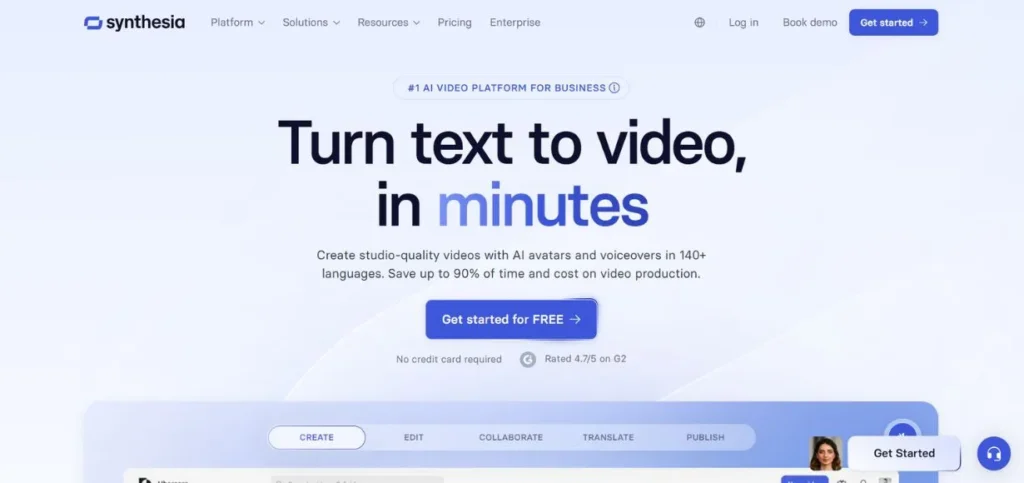
Synthesia is a high-end AI YouTube Shorts Generator that will not require cameras and actors; it will offer more than 140 realistic AI avatars that can convey your message in numerous languages. The platform is very good at generating professional-level avatar-based content that is ideal for educational tutorials, corporate communication, and explainer videos. Although its main capabilities revolve around creating avatars, as opposed to creating dynamic scenes, the text-to-speech features, which support 120+ languages, can prove invaluable when it comes to reaching audiences worldwide.
Key Features:
- 140+ AI avatars
- 120+ language options
- Custom avatar creation
- Pre-built video templates
- Professional-quality output
Pros:
- Simple to navigate for newcomers
- Avatars look surprisingly real
- Handles multiple languages well
Cons:
- You’ll need to pay to use it
- Customisation options feel limited
- Premium tiers get expensive fast
Pricing: Plans start at $30/month
Also Read: Best YouTube Alternatives for Creators & Viewers
2. Fliki
Rating: 4.8/5
Website: https://fliki.ai/
Best Use Cases: Social media content, voiceover videos, multilingual productions
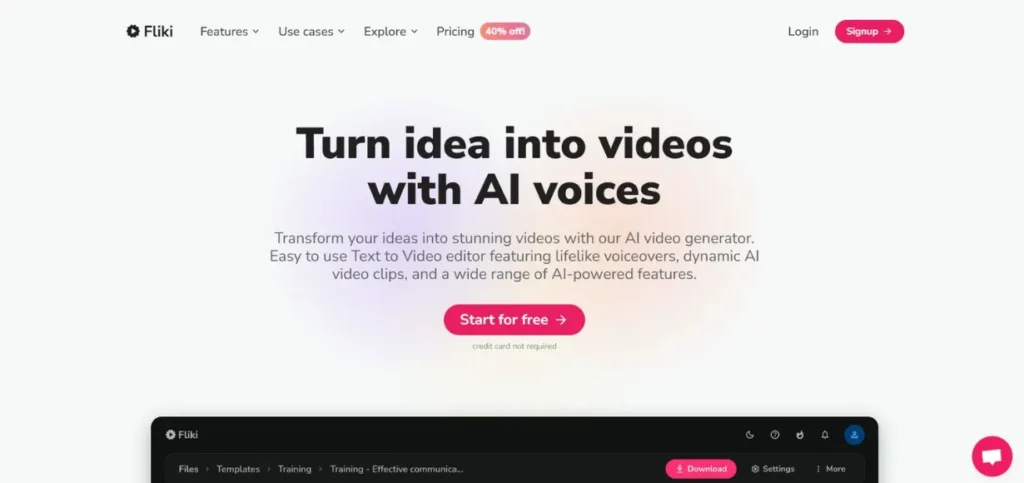
Fliki is one of the highest-rated AI-based YouTube Shorts Generators since it is concentrated on the conversion of text into a video with amazingly natural voiceovers. With over 1300 voice options in 80-plus languages, it is the most accommodating platform to achieve a natural-sounding narration. The huge library of stocks and voice cloning features, and AI avatars, in particular, make Fliki particularly attractive to content creators who consider a short-form video to be a subset of their overall content strategy, which must have the best possible quality of audio and reach international audiences.
Key Features:
- 1,300+ voice options
- 80+ language support
- Voice cloning technology
- Full-time stock library
- AI avatar integration
Pros:
- Easy to figure out
- Videos come together quickly
- Won’t break the bank
Cons:
- Advanced editing feels bare-bones
- The credit system can be frustrating
- Occasional bugs pop up
Pricing: Free plan available
3. Katalist
Rating: 4.8/5
Website: https://www.katalist.ai/
Best Use Cases: YouTube content creation, filmmaker pre-production, script-to-video workflows
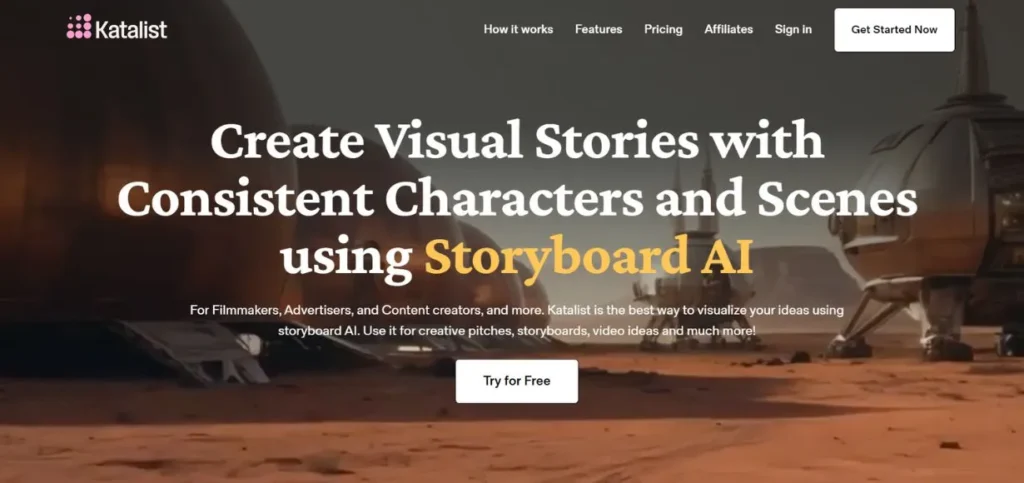
Katalist is a full-fledged AI YouTube Shorts Generator that has been tailored to specifically target YouTube creators and filmmakers who want their end-to-end production fully automated. The system smartly predicts and later provides visually consistent storyboards with camera angles and character continuity. Combining Runway Gen-3 to produce videos with custom AI models, Katalist can create professional-grade results but simplifies the entire process of creating a concept and uploading the video using built-in YouTube analytics.
Key Features:
- Automatic storyboard generation
- Runway Gen-3 integration
- Adobe Premiere compatibility
- Text-to-speech 100+ languages
- One-click YouTube publishing
Pros:
- Automates the entire process
- Works seamlessly with Pro Tools
- Saves you tons of time
Cons:
- Takes a while to get the hang of
- You need to understand camera basics
- Top-tier plans aren’t cheap
Pricing: plans start at $27/month
4. Runway
Rating: 4.6/5
Website: https://runwayml.com/
Best Use Cases: Creative visual content, artistic projects, experimental video generation
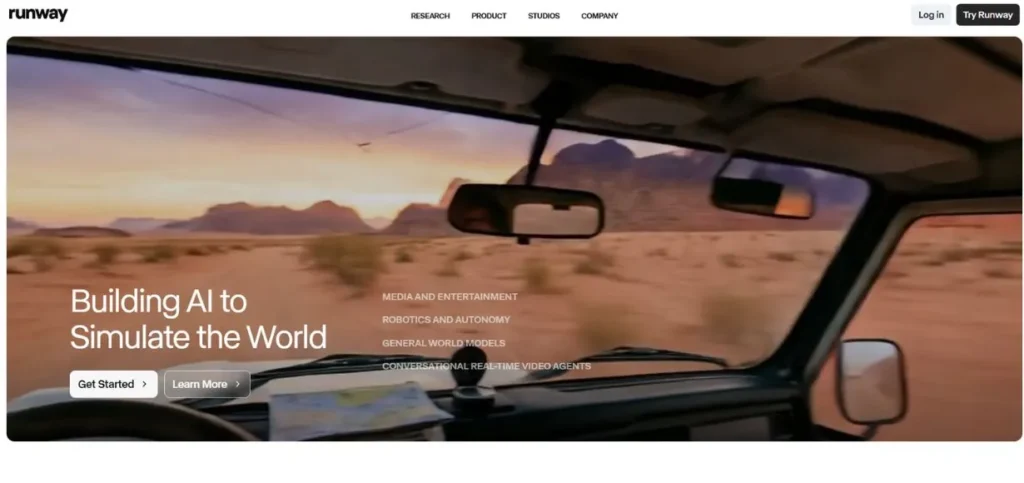
Runway is an innovative AI YouTube Shorts Generator. The company is pushing the creative limits with its high-tech Gen-3 Alpha technology. It is also a platform that turns textual cues and images into the individual visual experience with the outstanding ability to manipulate camera angles, aesthetics and composition of the scenes. Although the credit-based model has a rather fast resource burnout, Runway offers an unparalleled creative sandbox to artists and content developers who are ready to spend money on high-quality output and experimental video creation features.
Key Features:
- Gen-3 Alpha model
- Text-to-video generation
- Image-to-video conversion
- Background removal tools
- Slow-motion effects
Pros:
- Videos look really polished
- Renders pretty fast
- Works whether you’re new or experienced
Cons:
- The free version is quite restrictive
- Not the easiest to master
- You’ll burn through credits fast
Pricing: paid plans start at $15/month for 625 credits
5. Descript
Rating: 4.7/5
Website: https://www.descript.com/
Best Use Cases: Podcast video creation, tutorial production, collaborative editing
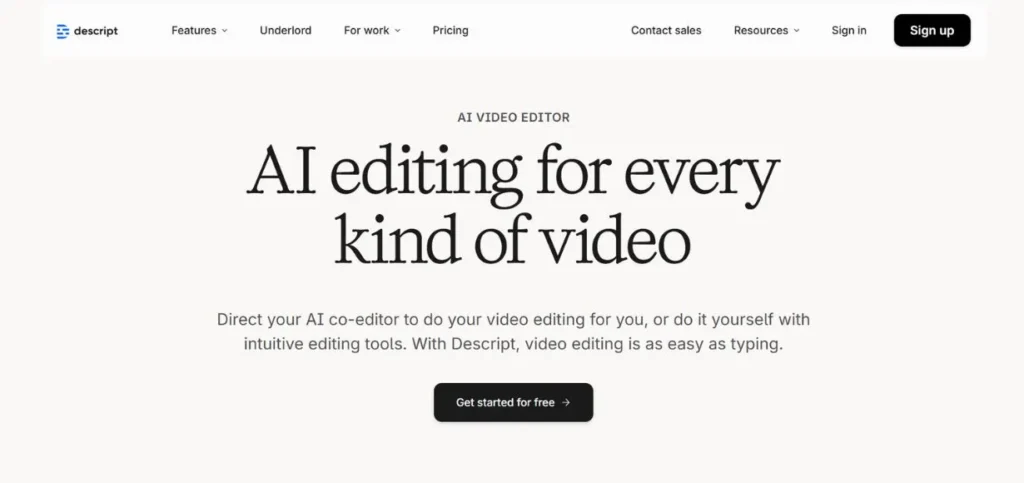
Descript is an AI YouTube Shorts Generator revolutionising video editing because you can edit video content with the same effort as you can an email or a text document. This new method ensures that challenging editing processes are available to the non-traditional video editor. The system brings together automatic transcription, the ability to overdub and screen recording in one workspace that is ideal for podcasters, educators, and marketers who appreciate efficiency and collaboration in their content creation process.
Key Features:
- Text-based editing interface
- Automatic transcription service
- Screen recording capability
- Collaborative editing tools
- AI-powered enhancements
Pros:
- Super intuitive to use
- Cuts down editing time significantly
- Transcriptions are accurate
Cons:
- Some advanced features get complicated
- Export options could be better
- Can slow down with bigger files
Pricing: Free plan
6. Pictory
Rating: 4.7/5
Website: https://pictory.ai/
Best Use Cases: Blog repurposing, marketing content, quick video creation
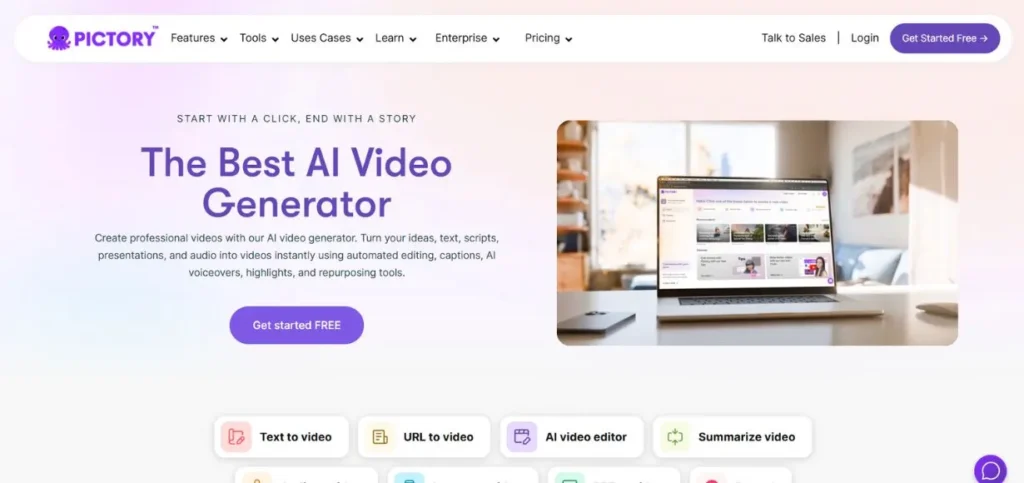
Pictory defines itself as a credible AI YouTube Shorts Generator, and is targeted at marketers and content creators who require generating regular video content without the need for sophisticated editing capabilities. The platform has the power to turn blog posts and written articles into the form of a video with the help of the automation powered by AI. Although it provides simple video production functionality, it may be a bit less customizable than more powerful platforms for users who want to enjoy more in-depth creative options and workflow options.
Key Features:
- Blog-to-video conversion
- AI script writing
- Voiceover generation
- Built-in editing tools
- Large media library
Pros:
- Very straightforward interface
- Creates videos almost instantly
- Tons of media to choose from
Cons:
- Customisation feels surface-level
- Better features locked behind paywalls
- You might run into bugs here and there
Pricing: Free plan accessible
7. Canva
Rating: 4.7/5
Website: https://www.canva.com/
Best Use Cases: Social media videos, product demonstrations, simple explainer content
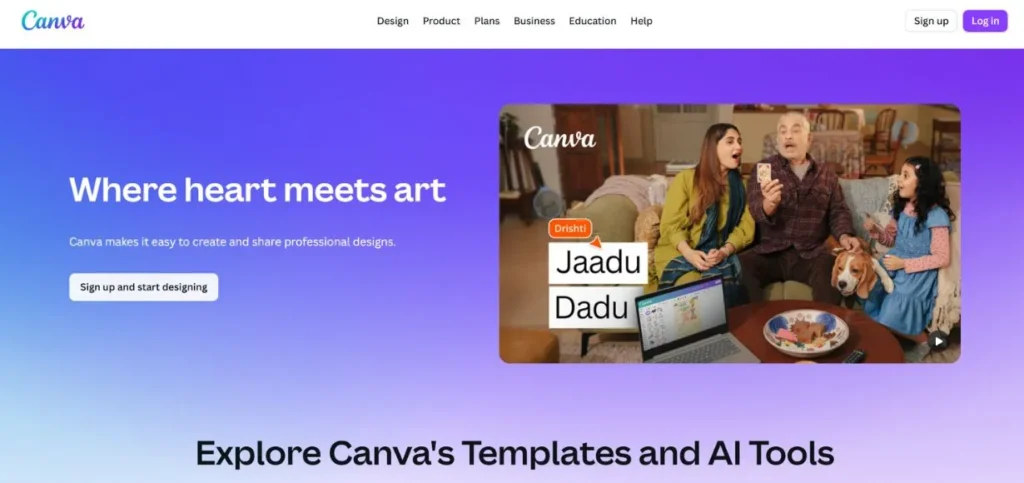
Canva has become more than a graphic design application and is currently an all-purpose AI YouTube Shorts Generator, which is capable not only of creating videos but also of creating them. The simplicity of the system is so high that one can use it even without expertise, and it provides enough functionality to create a short film that can be regarded as professional. It lacks sophisticated video editing functionality, similar to that of specialised software, but can be combined with the rest of its design platform and extensive library of templates. It is the most useful tool to consider when a designer requires quick, good-looking results.
Key Features:
- Text-to-video AI tool
- AI avatars available
- Design template library
- Video editing capabilities
- Platform-wide integration
Pros:
- Anyone can jump right in
- Tons of templates to work with
- Perfect for beginners
Cons:
- Lacks depth for advanced users
- Usage limits can be annoying
- Not built for complicated projects
Pricing: Free version available
8. FlexClip
Rating: 4.7/5
Website: https://www.flexclip.com/
Best Use Cases: Promotional clips, social media content, beginner video projects
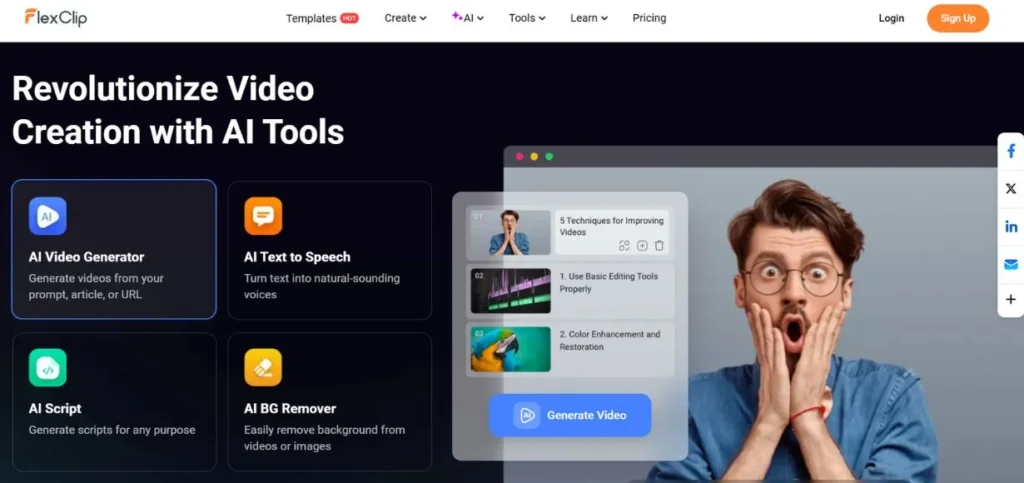
FlexClip is a free AI YouTube Shorts Generator that has simplicity and speed as its main values in preparing videos. It is also perfect since the platform automatically aligns the stock footage to what you have typed in and generates an appropriate script, and therefore, it is perfect among the users who are creating promotional materials and social media videos. FlexClip is highly affordable and user-friendly, though it can make a place of starting start making a video, even though it operates on stock footage, it presupposes a less impressive amount of original visual content and other sophisticated editing capabilities.
Key Features:
- AI script generation
- Automatic footage matching
- Millions of stock resources
- Web-based accessibility
- Quick creation process
Pros:
- Great for people just starting out
- Videos done in minutes
- Budget-friendly pricing
Cons:
- You’re stuck with stock footage
- Missing advanced editing tools
- Needs a stable internet connection
Pricing: Free plan
9. DeepBrain
Rating: 4.5/5
Website: https://deepbrainai.com/
Best Use Cases: Corporate training, educational content, explainer videos at scale
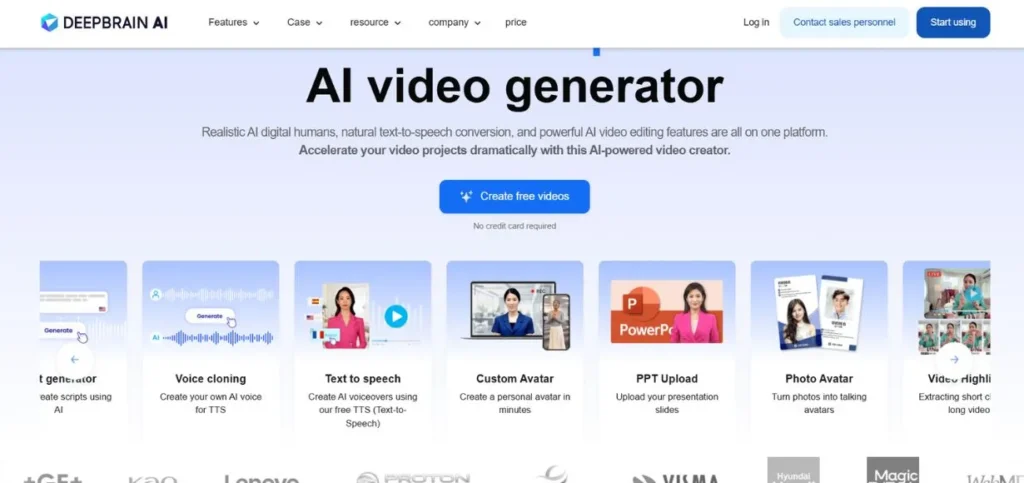
DeepBrain is a professional-level AI YouTube Shorts Generator that is targeted at companies that produce large amounts of training and educational content. The convincingly realistic AI avatars and the text-to-speech functions in more than 80 languages make the platform effective when it comes to creating engagements in the form of instructional videos. Although the popularity of these avatars can lead to less original content on already busy sites such as YouTube, the option of scalability and language diversification will be especially useful to organisations with international training requirements with DeepBrain.
Key Features:
- Realistic AI avatars
- 80+ language support
- Professional-quality output
- Easy creation tools
- Scalable production
Pros:
- Avatars look genuinely lifelike
- Supports a wide range of languages
- Great for training videos at scale
Cons:
- No free option available
- Takes time to learn properly
- Customisation is somewhat restricted
Pricing: Plans begin at $39/month
10. Peech
Rating: 4.8/5
Website: https://getpeech.com/
Best Use Cases: Content marketing, brand-consistent videos, blog repurposing
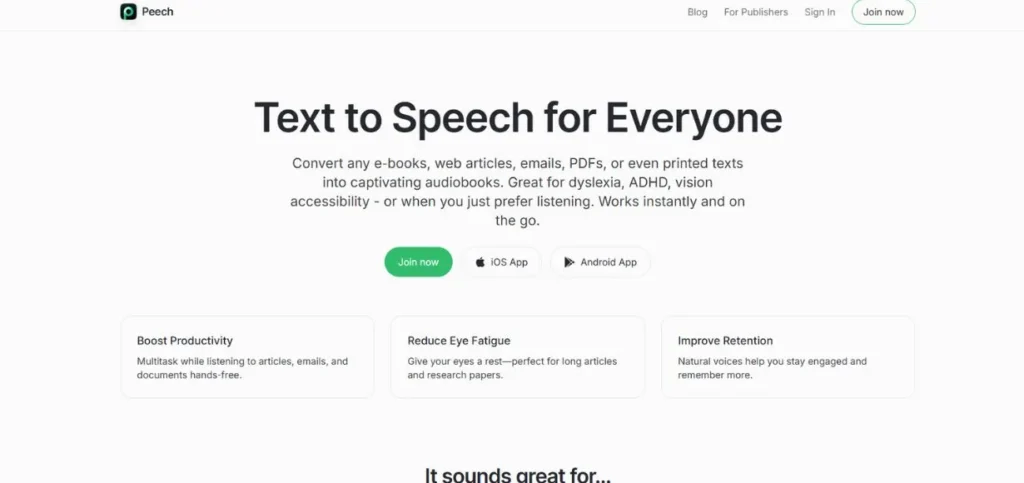
The nature of the product, which Peech specialises in, is known as a marketing team and serves as a specialised AI YouTube Shorts Generator that transforms written content into video content that is part of the brand and that the visuals are created efficiently.
The platform makes it easy to turn videos into business owners who have extensive amounts of social media and web content to can be generated in AI-based narration and personalisation of the brand. Peech, though it may be fast and easy, may not prove as convincing when it comes to the marketing campaign requirements, but may not be as impressive as more complex and highly-tailored video projects that may be in need of advanced editing control of professional standard.
Key Features:
- Automatic text-to-video
- AI voice narration
- Brand customisation options
- Video editing tools
- Consistent messaging
Pros:
- No video expertise required
- Produces content fast
- Ideal for turning blogs into videos
Cons:
- Requires a paid subscription
- Customisation feels basic for pros
- Some features have a learning curve
Pricing: Subscription starts at $49/month
11. Filmora
Rating: 4.5/5
Website: https://filmora.wondershare.com/
Best Use Cases: Basic video editing, casual content creation, beginner projects
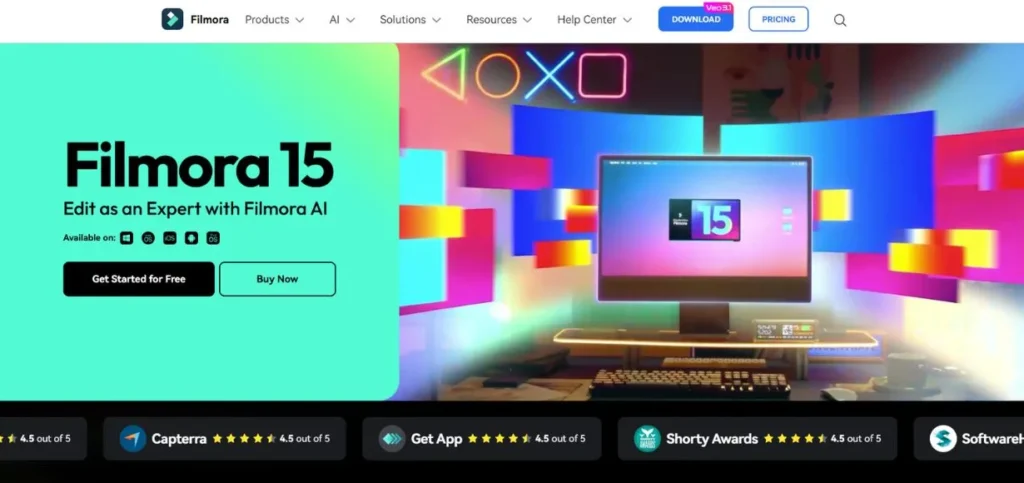
Filmora is a hybrid between AI YouTube Shorts Generators since it offers a classic experience of video editing along with AI capabilities. The drag-and-drop system and motion tracking features, paired with the library of effects and support of 4K, make the interface attractive to the creators who need to take a little more manual control over their images and videos. Nevertheless, it does not provide the script-to-video workflow and AI-based features that websites such as Katalist do, and is more suitable for people who like working directly with their hands instead of complete automation.
Key Features:
- Drag-and-drop interface
- Effects and transitions library
- Motion tracking capability
- 4K video support
- Cross-platform compatibility
Pros:
- Beginners can start right away
- Processing speed is impressive
- Price won’t hurt your wallet
Cons:
- Free tier stamps your videos
- Handling multiple cameras is clunky
- Older systems may experience slowdowns
Pricing: Free plan
How to Choose the Right AI YouTube Shorts Generator
In order to select the best AI YouTube Shorts Generator among all the possibilities, one must consider their needs, the level of technical success, and the aim of the creation. The platform should be workflow-friendly friendly and it should possess what you require in order to achieve the quality output and production that you want.
- Content Type Requirements: consider the need to have avatar-based presentations,
- Budget Constraints: Take into account first costs and recurrent costs like subscription costs, credit system and functionalities.
- The Level of Technical Skills: Be honest about having been editing the videos and the willingness to learn to use new software, as Canva and FlexClip are some of them.
- Integration Requirements: Determine the existing tools and platforms you already have (Adobe Premiere, Google Drive or direct publishing of videos on YouTube, etc.), in that integrating them with ease can save you a fortune in time spent transferring files between applications, and your production process in general between script and publication.
- Scalability Potential: Think about the content that you will have in the future and how the platform can be expanded to support that content with a more advanced plan.
Conclusion
The AI landscape of YouTube Shorts Generators keeps developing at a quick pace, and the creators of content receive unprecedented possibilities to create engaging short-form video content at low costs and efficiency. Being created on full-scale platforms such as Katalist that automate the entire process to specialised applications such as Synthesia that use avatars to create content, the current AI YouTube Shorts Generator can meet the needs and capabilities of a wide range of creators. Through critical consideration of your exact needs and the strengths of each platform, one can choose the optimal solution that will turn your creative vision into engaging shorts that will attract the attention of the audience and boost the channel growth in the competitive environment of the YouTube system.
FAQs
Q1: Are AI YouTube Shorts Generators able to fully substitute human video editors?
Although the majority of editing processes can be automated in AI YouTube Shorts Generators, human creativity and strategic thinking are the only way to create really captivating stories and to make subtle choices regarding tone, pacing and audience interest.
Q2: Do these tools used for video editing require experience?
The majority of AI YouTube Shorts Generators are user-friendly, making their usage friendly to beginners, although platforms that can be developed more, such as Katalist or Runway, can be worth at least an initial investment of learning.
Q3: Are videos generated through AI generators copyright-free?
As a rule, you are the owner of the content you create on these platforms, though you should consult the terms of service of each tool on the issue of commercial rights of use, in particular, stock media libraries and AI-generated elements of your videos.
Q4: What is the average time it can take to make a YouTube Short with AI generators?
The average time to create an AI YouTube Shorts Generator depends on the platform and level of complexity, although the majority of basic AI YouTube Shorts Generators can create visuals in minutes, and more complex projects can take 15-30 minutes between script and the finished video.
Q5: Will I be able to create content with the help of these tools in more than one language?
Yes, dozens of AI YouTube Shorts Generators, such as Fliki, Synthesia, or Katalist, allow you to create voiceovers and subtitles in dozens of languages, enabling you to easily produce localised content for people of other nationalities without needing to hire a translator or voice actor.
Continue Exploring: Best Legit Apps to Earn Money by Watching Ads