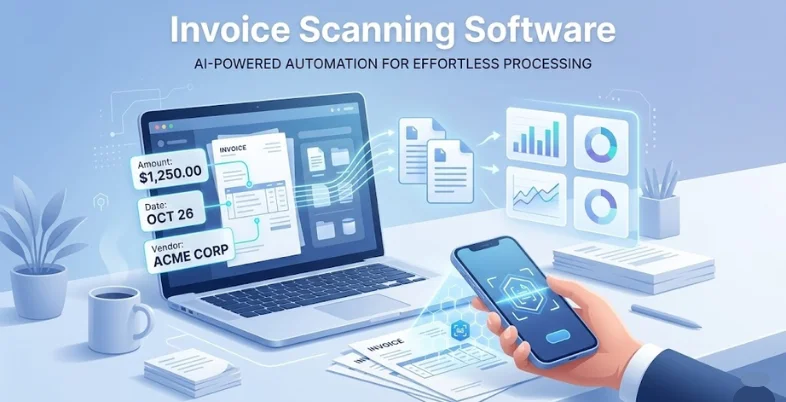


The concept of project management has transformed due to artificial intelligence (AI). AI technologies assist groups in designing, executing, and completing their tasks. They are able to automatically perform repetitive tasks, identify potential issues before they may occur and provide intelligent suggestions that allow managers to make more informed decisions. These tools are a combination of generic project work tools and machine learning to eliminate the time-saving and productivity by implementing a team workload that is easier to accomplish and better utilization of resources. The use of AI solutions by more companies makes it essential to be aware of the most helpful AI project management tools to remain competitive in the modern fast-paced market.
What Are AI Project Management Tools?
AI project management tools are intelligent software that introduces AI into the regular project management software. Machine learning, language processing, and predictions serve to plan automatically, monitor the progress of things, assign work, and identify risks in advance. In contrast to regular project software, they learn on previous data and how people can use them to provide them with personal tips, automate the routine, and provide them with practical advice. This enables teams to work smarter with less manual labor, able to make more accurate forecasts, and can make decisions on the basis of data.
Quick Overview: AI Project Management Tools
| Tool | Best For | Integrations | AI Features | Verdict |
| ClickUp AI | All-purpose teams | 1000+ apps | Writing assistant, automation, analytics | Most versatile platform |
| Notion AI | Knowledge management | 50+ apps | Content generation, summarization | Best documentation hub |
| Jira + Atlassian Intelligence | Software teams | 3000+ apps | Issue summarization, predictive planning | Developer favorite |
| Monday.com AI | Visual planning | 200+ apps | Formula builder, smart notifications | Most intuitive interface |
| Asana + AI | Enterprise workflows | 200+ apps | Smart goals, predictive workload | Strong enterprise features |
| Wrike AI | Enterprise portfolios | 400+ apps | Risk prediction, work intelligence | Advanced portfolio management |
| Trello + AI | Simple workflows | 200+ Power-Ups | Butler automation, add-on integrations | Easiest learning curve |
| Microsoft Planner | Microsoft ecosystems | Microsoft 365 | Copilot integration, natural language | Seamless Microsoft integration |
| Zoho Projects | Zoho users | Zoho ecosystem | Zia assistant, predictive analytics | Best value option |
| TeamGantt | Timeline planning | 20+ apps | Schedule automation, resource optimization | Superior Gantt charts |
Top 10 Best AI Project Management Tools for 2026
1. ClickUp AI
ClickUp is an all-in-one workspace that applies strong AI to transform the project managerial process of teams. It consolidates the task lists, document work and automation on a single screen. Its AI assistant instructs users on how to write better, shortens lengthy conversation and/or automatically creates action steps. The intelligent rules in ClickUp analyze the work patterns of teams and propose methods of doing more. It supports Agile, Scrum and Kanban among other approaches hence it is applicable in most types of teams. Using AI hints, ClickUp identifies problems at an early stage and provides solutions to maintain the workflow of the project.
Key Features:
- AI writes and has chats summaries immediately.
- Meeting notes and talks are automatically made into tasks.
- Assistive templates are adaptable to the way teams operate.
- Estimates schedules and allocates resources.
- Intelligent assignment of tasks maintains the balance of the teams.
Pricing: Free Forever, Unlimited $7 USD/month, Business $12 USD/month, Enterprise Flexible pricing
Best For: All-purpose teams
2. Notion AI
Notion began as a basic note-taking application but has evolved into a full workspace. It enhances work in databases, project tracking, and documents with the help of AI. AI assists in creating meeting lists, generating project briefs, summarizing long files, and providing ideas. The flexible database in Notion allows teams to create their own project flow, while AI handles repetitive writing and organizes information.
It is terrific for knowledge management, as teams create wikis, plans, and hubs that stay interconnected. Notion AI auto-grabs context and can fetch action steps, translate content, and alter the tone of writing—making it a powerful companion often compared with modern AI Product Design Tools that streamline creative and collaborative workflows.
Key Features:
- AI assists in writing documents and briefs.
- Automatically summarises long pages and databases.
- Browses information everywhere.
- AI created templates to most needs.
- Composed manuscripts that were appropriate to the project.
Pricing: Free, Plus $10 per member, Business $20 per member, Enterprise Custom pricing
Best For: Knowledge management
3. Jira + Atlassian Intelligence
Jira is the tool of choice for software teams. It works on challenging technical projects even better with the addition of Atlassian Intelligence. Jira prioritizes agile, with solid sprint planning, issue tracking, and workflow customization utilized by teams on a daily basis. The new AI assists through ticket summarisation, intelligent project search, and speech deciphering so that teams can locate what they need as quickly as possible.
It understands how teams operate and who is responsible for what, reasons whether a sprint will be completed on time, and identifies tasks that may slow down progress. Jira AI is also able to monitor code changes, pull requests, and releases while providing automated updates—reflecting the growing impact of modern AI Tools to Grow productivity and streamline development workflows.
Key Features:
- Summarises tickets to save up on reading time.
- Clicks and searches all the projects in a single quick click.
- Prescribes history concerning who does what.
- Predicts the possibility of success in the sprint.
- Natural language query interface.
Pricing: Free forever for 10 users, Standard $7.91 per user / month, Premium $14.54 per user / month, Enterprise custom pricing
Best For: Software teams
4. Monday.com AI
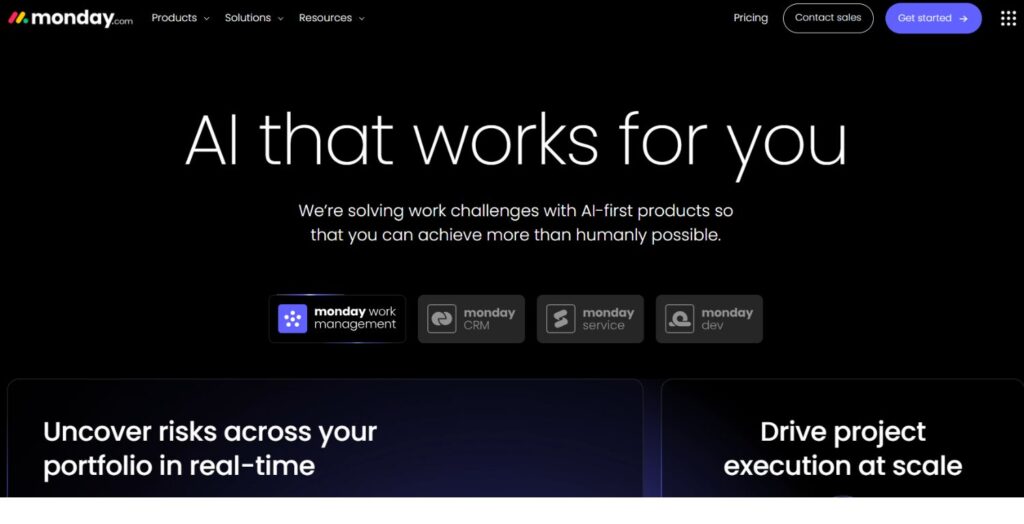
Monday.com is a clear, simplistic platform, which deploys AI to simplify project management regardless of the team size. The color screens assist in visualizing the workflow and tracking a variety of projects and collaborating with people. Monday allows making tasks automated, providing good advice to improve workflows, and predicting the results of a project with the help of AI. Machine learning looks at the behavior of teams and displays automations to eliminate manual processes. Monday has the ability to connect with a wide range of tools, and its AI can independently collect data and initiate other platforms, making it one of the most reliable AI Project Management Tools available today.
Key Features:
- AI is able to create formulas without technical expertise.
- Shows on movement of tasks.
- Smart notifications broadcast the most significant news.
- When rules are changed, timelines are changed automatically.
- Sharing task is cleverly done to prevent congestion.
Pricing: free forever, Basic $9 seat / month, Standard $12 seat / month, Pro $19 seat / month, Enterprise custom pricing
Best For: Visual planning
5. Asana + AI
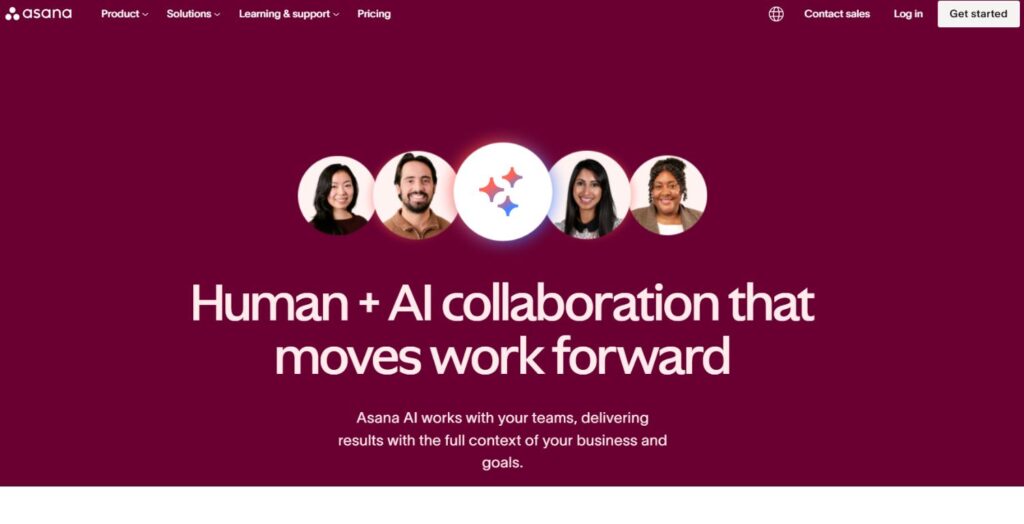
Good design with powerful project tools Asana is even better than that, with its most recent AI, creating a smarter assisted workflow for teams that need it. It breaks large projects down into small tasks, monitors the relationship between tasks, and displays schedules to ensure that no one falls behind.
Asana also prioritizes automated routine tasks, prepares daily project summaries, and provides intelligent suggestions on who should handle what based on availability and capability. It examines project data to identify potential delays and suggests solutions beforehand. With its clean interface and advanced AI capabilities—similar to the evolving innovations seen in sectors like AI Stocks in India—Asana is a powerful tool that keeps teams on track and helps them achieve their objectives.
Key Features:
- AI monitors the progress automatically based on intelligent rules.
- Proposes the further actions depending on the existing situation.
- Rules eliminate manual repetitiveness.
- Provides brief project status reports.
- Shares are intelligent enough to prevent early conflict.
Pricing: Free forever, Starter US$10.99, Advanced US$24.99, Enterprise Contact sales
Best For: Enterprise workflows
6. Wrike AI Work Intelligence
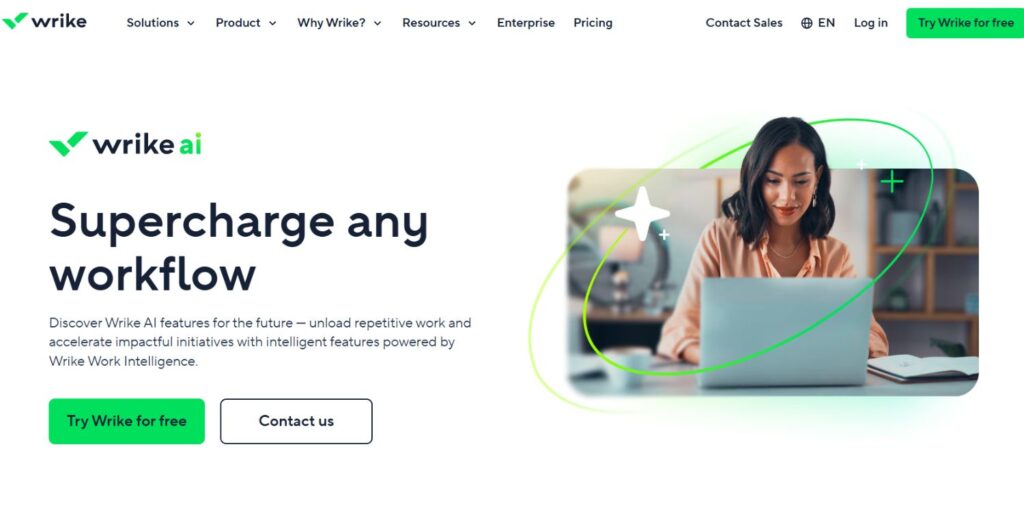
Wrike provides a potent project management platform to large companies enhanced by the usage of AI Work Intelligence. The AI assists organizations in making their working process of the organization better and faster. The platform has enhanced functionality to handle numerous projects simultaneously, who to do what, and how to allow teams in one segment of a firm to collaborate with others elsewhere in the firm.
The AI of Wrike can predict the risks, propose potentially successful projects, and send new work requests to the appropriate teams automatically. It uses the information about previous projects and provides real-time estimates of the effort to ensure that managers are able to plan better. The intelligent automation is capable of assisting with the presence of a complex workflow with numerous approval processes, conditional processes, and dynamic task assignments in case of project variations, making Wrike stand out among the most advanced AI Project Management Tools used by enterprises.
Key Features:
- Risk check which alerts about issues early on with AI.
- Routing intelligent enough to put work with the appropriate team.
- Componitorial project copier tool which learns with good past project.
- Balancing of the teams in the projects.
- Projection software indicating when the projects are to be completed.
Pricing: Free, Team $10 user/ month, Business $25 user/ month, Enterprise & Pinnacle custom pricing
Best For: Enterprise portfolios
7. Trello with AI Add-ons
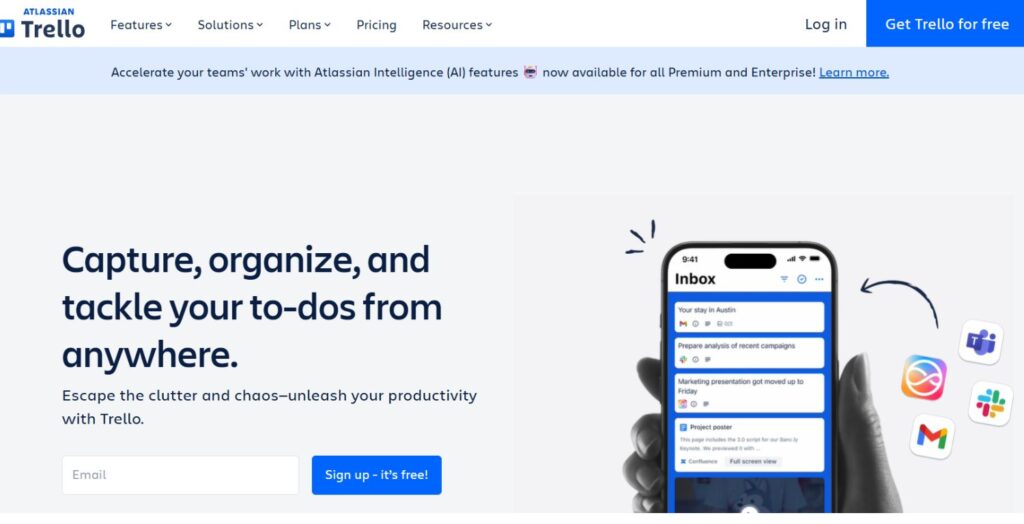
Trello is recognized to have a simple board and card layout, which easily opens up to various kinds of projects. It is even triggered by AI add-ons, which allow the differentiation of teams that have to address diverse work. The Kanban board developed by Trello enables teams to rise in arrangement of tasks, view advancement, and coordinate simple following it without adding unwarranted complexity.
The AI functionality of Trello may include numerous AI capabilities such as smart automation, content creation, and analytics, although Trello does not have a built-in AI. These extensions transform Trello into an intelligent project board, which can automatically create cards, propose priorities in tasks, and provide information about team functionality.
Key Features:
- NOC This method is used to construct repeat workflows in Butler.
- AI Power-upsinclude items like content creation.
- Suggestions on smart cards which make use of board history.
- Auto-adjust due date in case of dependence changing.
- Automated card descriptions by computer-assisted writing.
Pricing: Free for up to 10 collaborators per Workspace, Standard $5USD, Premium $10USD, Enterprise $17.50USD
Best For: Simple workflows
8. Microsoft Planner / Copilot for Project Management
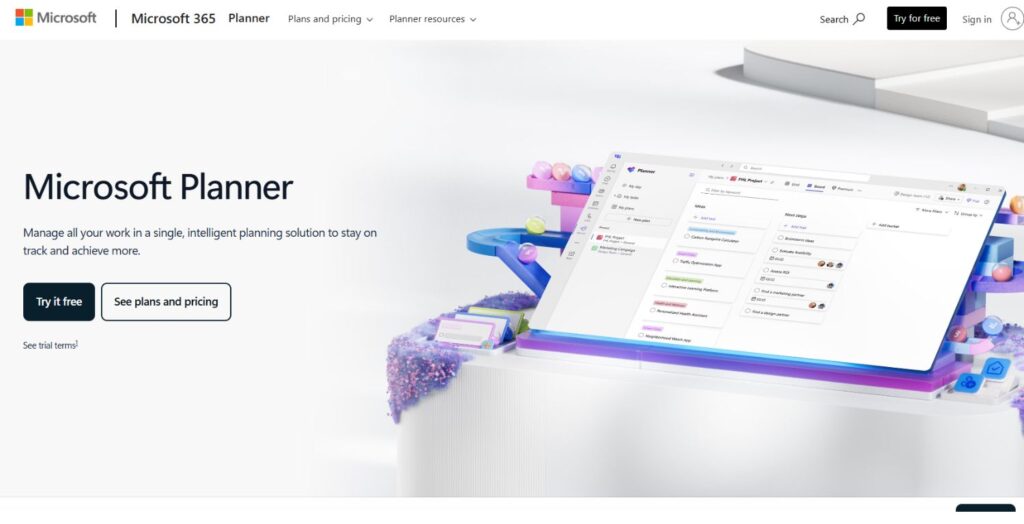
Everything in Microsoft 365 is connected with its Copilot AI that Microsoft has added to its project tools. Planner provides easy-to-use task lists with visual boards, charts, and schedules that also enable teams to coordinate. Using Copilot, tasks based on meeting notes can be extracted and the entire project can be planned using plain English and smart advice can be provided based on project information. The close integration with Teams, Outlook and other Microsoft applications allows users to receive AI assistance during the entire work process without having to switch tools, positioning Microsoft Copilot as one of the most seamless AI Project Management Tools in the market.
Key Features:
- Copilot develops complete plans out of text.
- AI pulling out notes of meetings.
- Intelligent scheduling to identify optimum dates according to the free ones.
- Julia, posing simple questions in simple English, to get project information immediately.
- Auto is an auto that interweaves projects.
Pricing: Planner Plan 1 $10.00 user/month, Planner and Project Plan 3 $30.00 user/month, Planner and Project Plan 5 $55.00 user/month
Best For: Microsoft ecosystems
9. Zoho Projects AI Assistant
Zoho Projects adds AI to its existing project solutions. It aids in planning, tracking and accelerating the completion of projects in Zoho more wide-ranged. The platform offers good task management, time, issue and team work. The Zia AI helper of Zoho can respond to questions regarding the project progress, forecast risks, examine the performance of a team, and suggest ways to amplify results. It is educated by the past information of your company to offer more advice with time passing. Since it is integrated with every Zoho application, it can be seamlessly integrated with the companies that are already using Zoho software, making Zoho Projects one of the most efficient AI Project Management Tools for teams already within the Zoho ecosystem.
Key Features:
- Zia AI provides responses to questions about projects in the conversational language.
- Auto anomaly detecting finds suspicious patterns which require attention.
- Intelligent forecasting of resource tells you the future staffing requirements.
- Task suggestions prioritize tasks in terms of goals.
- Predictive dates are used to determine the estimated date in which the project is to be completed.
Pricing: Free Up to 5 users, Premium ₹280 /user/month billed annually, Enterprise ₹630 /user/month billed annually, Projects Plus contact sales
Best For: Zoho users
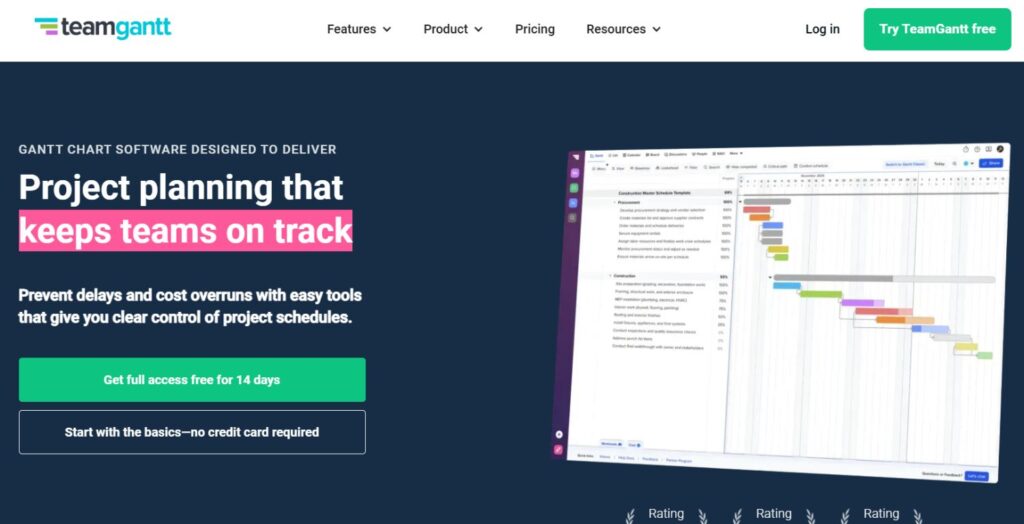
10. TeamGantt + AI Automations
Everything in Microsoft 365 is connected with its Copilot AI that Microsoft has added to its project tools. Planner provides easy-to-use task lists with visual boards, charts, and schedules that also enable teams to coordinate. Using Copilot, tasks based on meeting notes can be extracted and the entire project can be planned using plain English and smart advice can be provided based on project information. The close integration with Teams, Outlook and other Microsoft applications allows users to receive AI assistance during the entire work process without having to switch tools, positioning Microsoft Copilot as one of the most seamless AI Project Management Tools in the market.
Key Features:
- Intelligent rotation of the entire schedule in case of a task change.
- AI monitors resource to prevent overloading.
- Auto baseline check indicates that there are variations in the initial plan.
- Intelligent dependency concept displays rational task relationships.
- Forecasting schedules depending on the speed of teams.
Pricing: Pro $49/mo. per manager, Unlimited Everything & Construction Edition contact sales
Best For: Timeline planning
AI Project Manager Career Guide
- Education: Bachelor of business, computer science or other similar program and project management certificates.
- Technical: Familiar with AI project management tools, basic concept of machine learning and familiar with reading data reports.
- Leadership: Effective communicator and ensures AI projects are driven.
- Industry: Learn how AI, NLP and other technology transform business operations.
- Continuous Learning: Help original trends in AI, become PMP, and actively experiment with new tools.
Conclusion
Tools to support AI projects continue to increase, providing teams with an opportunity to plan, execute, and complete projects more effectively. These intelligent systems combine traditional project procedures with AI, automatizing mindless operations, identifying early risky circumstances, and offering relevant recommendations. No matter what you are managing software sprints, marketing drives or construction projects, an AI project management tool can be added to your requirements. Through this type of tool companies are able to collaborate in a more productive manner, to utilize resources more efficiently and achieve objectives more expeditiously within an environment of competition.
FAQs
What is the best AI project management tool?
ClickUp has numerous tasks control capabilities, accompanied by extensive AI and numerous integrations.
Are there free AI project management tools?
Yes, a free plan is provided by Notion, Asana, and Trello that comes with AI.
Which AI tools are used in construction project management?
Procore, Autodesk Construction Cloud, and Monday.com have AI in terms of scheduling and resource planning.
How do I become an AI project manager?
Develop a set of experience working on the building project, study AI principles with courses on NLP, and get the right certifications.