

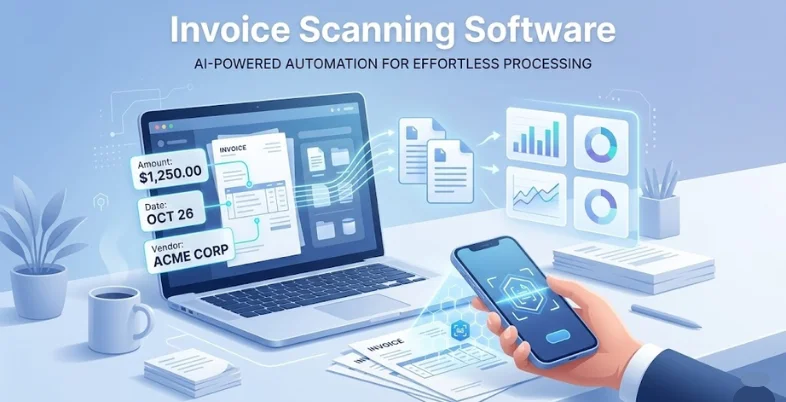
Managing invoices manually can be time-consuming and prone to errors, especially for businesses handling large volumes of financial documents. Invoice automation software simplifies this process by automatically capturing, extracting, and organising invoice data using technologies like Optical Character Recognition (OCR) and automation tools.
These platforms help businesses convert scanned invoices, PDFs, or images into structured digital data, reducing the need for manual data entry. As a result, companies can process invoices faster, improve accuracy, and maintain better financial records. Automated invoice scanning also integrates with accounting systems, enabling smoother workflows, improved compliance, and better visibility into business expenses and payments.
In this blog, we will take a look at 15 Best Invoice Scanning Software.
Why Businesses Need Invoice Scanning Software
Businesses need invoice scanning system to simplify and automate the invoice processing workflow. Traditionally, managing invoices required manual data entry, which was time-consuming and prone to human errors. Invoice scanning software uses technologies such as optical character recognition (OCR) to extract important details like invoice numbers, vendor names, payment amounts, and dates from scanned documents or digital files.
This automation significantly reduces paperwork and improves accuracy. It also helps organizations process large volumes of invoices quickly while maintaining organized digital records. By integrating with accounting and enterprise resource planning systems, the software ensures seamless data transfer and faster approvals.
Businesses also gain better visibility into financial transactions through centralised dashboards and reporting tools. Ultimately, invoice scanning software improves operational efficiency, reduces administrative workload, and supports better financial management, allowing companies to focus more on strategic business activities rather than repetitive manual tasks.
How Invoice Scanning System Improves Accounts Payable Efficiency
- Automated Data Extraction: Invoice scanning software automatically extracts important invoice details using OCR technology, reducing manual entry efforts and improving accuracy in accounts payable processes.
- Faster Invoice Processing: Automated scanning speeds up invoice capture and verification, allowing finance teams to process large volumes of invoices quickly and efficiently.
- Reduced Human Errors: By eliminating manual data entry, the software minimises common mistakes such as incorrect amounts, duplicate entries, and missing information.
- Streamlined Approval Workflows: Digital invoice routing allows managers to review and approve invoices faster, improving coordination and reducing delays in the payment process.
- Improved Financial Visibility: Centralised dashboards provide real-time insights into invoice status, pending approvals, and payment schedules for better financial monitoring.
- Better Document Organisation: Scanned invoices are securely stored in digital systems, making it easier to search, retrieve, and manage records when needed.
- Enhanced Compliance and Audit Readiness: Automated record keeping ensures proper documentation and traceability, helping businesses meet regulatory requirements and simplify auditing processes.
Quick Comparison of Invoice Scanning Tools
| Software | OCR Accuracy / Data Extraction | Invoice Format Support | Mobile App Availability | Ease of Use | Pricing |
| Rossum | Very high AI-based extraction with ~98% accuracy for invoices | PDFs, images, email attachments, XML/EDI invoices | No dedicated mobile scanner | Moderate | Subscription-based |
| Nanonets | High ML-based extraction with customizable models for invoice fields | PDFs, JPG, PNG, email attachments, scanned documents | Mobile camera scanning supported | Easy | Subscription-based |
| ABBYY FlexiCapture | Enterprise-grade OCR with ~90–96% structured document accuracy | PDFs, scanned images, paper invoices, XML formats | Limited Mobile capture tools | Hard | Subscription-based |
| Rillion | High OCR accuracy with automated invoice data validation | PDFs, scanned images, email invoices, electronic invoices | Mobile app available | Easy | Subscription-based |
| Hyperscience | Very high AI extraction accuracy with automated verification workflows | PDFs, images, scanned paper invoices, email attachments | Mobile capture support | Moderate | Subscription-based |
| Veryfi | High-speed OCR extracting line items, totals, vendor data automatically | PDFs, images (JPG, PNG), email invoices | Mobile app with camera scanning | Easy | Subscription-based |
| Docparser | Template-based extraction providing strong accuracy for structured invoices | PDFs, images, email attachments | No dedicated mobile app | Easy | Subscription-based |
| Parseur | High accuracy for invoice fields using template and AI parsing | PDFs, images, email attachments | Mobile-friendly but no native scanner | Easy | Subscription-based |
| Affinda | AI document processing with strong contextual invoice data extraction | PDFs, images, email attachments, scanned documents | API-based mobile capture | Moderate | Subscription-based |
| Klippa | High multilingual OCR extraction for invoices and financial documents | PDFs, images, receipts, email attachments | Mobile app with camera scanner | Easy | Subscription-based |
| Tipalti | High accuracy with OCR plus automated invoice validation workflows | PDFs, images, email invoices, e-invoices | Mobile approvals available | Moderate | Subscription-based |
| Dext | Accurate extraction of invoice data and receipt information | PDFs, images, email attachments, paper invoices | Mobile app with camera capture | Easy | Subscription-based |
| Medius | High OCR accuracy with automated invoice matching and validation | PDFs, scanned documents, email invoices, e-invoices | Mobile approvals supported | Moderate | Subscription-based |
| Vic.ai | AI-driven invoice extraction with continuous learning for improved accuracy | PDFs, images, email attachments, scanned invoices | Mobile approvals supported | Moderate | Subscription-based |
| Stampli | High invoice data capture with AI assistant for AP automation | PDFs, images, email invoices | Mobile app available | Easy | Subscription-based |
List of 15 Best Invoice Scanning Software
1. Rossum
- Website: https://rossum.ai
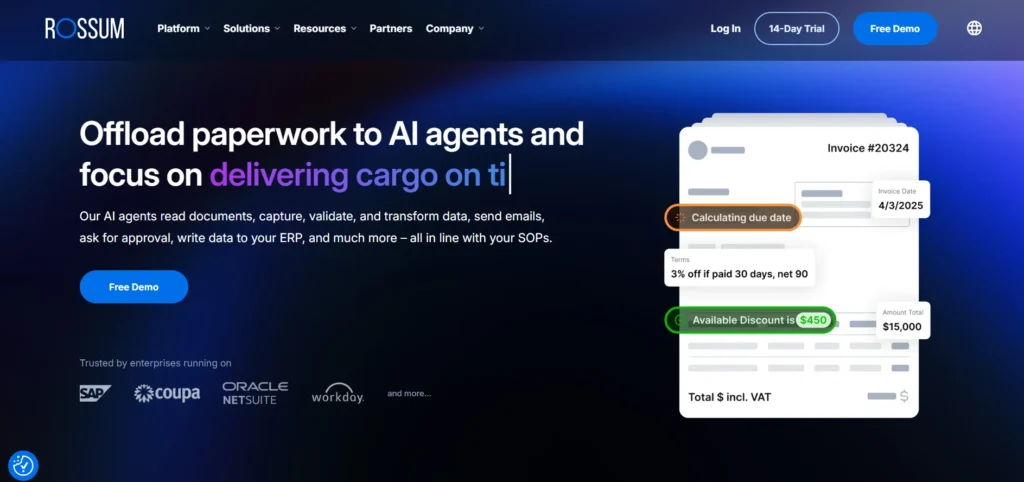
Rossum is an AI-based invoice processing system that aims to automate the operations of the accounts payable. It applies the latest machine learning technologies to scan and process invoice information on documents without the need to use any set templates.
The software is capable of processing invoices in email, PDF and scanned documents with automated workflows and validation. Rossum is also very effective because it becomes more precise as users review and correct errors, making it a very helpful tool to firms with lots of invoices.
Firms employ it to minimise manual data entry, expedite the payment of invoices and keep financial controls and audit processes in line.
Key Features:
- AI-based invoice data capture without predefined templates
- Automated document classification and data extraction
- Built-in validation rules and approval workflows
- Integration with ERP and accounting platforms
- Continuous learning from user corrections
Pros:
- Highly accurate AI-driven invoice extraction
- Supports complex invoice formats
- Scales well for enterprise invoice processing
- Strong workflow automation features
- Reduces manual accounts payable work
Cons:
- Premium pricing for advanced features
- Setup may require configuration
- Best suited for medium to large businesses
Pricing:
- Starter– Starting at $18,000 per year
- Business– Get a Quote
- Enterprise– Get a Quote
- Ultimate– Get a Quote
2. Nanonets
- Website: https://nanonets.com
The Nanonets invoice scanning software is an automated invoice-data extraction OCR system powered by AI. It applies machine learning, computer vision, and natural language processing to scan invoices and transform them into structured data.
Important information about invoice numbers, dates, totals and vendor can be captured in PDFs, images or scanned documents within the system. Nanonets connects with accounting software and workflow systems and allows automated validation, approvals, and reporting.
The platform helps businesses to remove manual data addition, accelerate the process of invoicing, and enhance the precision of financial data in accounts payable activity.
Key Features:
- AI-powered OCR for invoice and document data extraction
- Captures invoice fields like vendor, totals, and dates
- Supports PDFs, images, emails, and scanned documents
- Automated workflows and validation rules
- Integrates with ERP and accounting software
Pros:
- High data extraction accuracy
- Easy API integration for automation
- Supports multiple document formats
- Custom AI models for specific invoices
- Suitable for growing businesses
Cons:
- Pricing based on document volume
- Requires training for custom models
- Some advanced automation needs setup
Pricing:
- Flexible pricing for every workflow need
3. ABBYY FlexiCapture
- Website: https://www.abbyy.com
ABBYY FlexiCapture: Enterprise-level intelligent document processing software aimed at capturing, classifying, and extracting data in invoices and other financial documents.
It auto-identifies document structures and recovers applicable data fields using sophisticated OCR and machine learning technologies. The platform has validation rules and verification tools that make extracted information match the original document precisely.
FlexiCapture is used by businesses to process high volumes of invoices, manage compliance and workflows. It can support complicated document formats, which is why it is applicable to large organisations that need data extraction and document management solutions.
Key Features:
- Intelligent document processing with advanced OCR
- Automated invoice classification and capture
- Data validation and verification tools
- Integration with enterprise systems and ERPs
- Scalable platform for high-volume processing
Pros:
- Extremely accurate OCR technology
- Ideal for large enterprise operations
- Handles complex document layouts
- Advanced analytics and reporting tools
- Highly customisable workflows
Cons:
- Expensive licensing and implementation
- Requires technical expertise
- Setup can be complex
Pricing:
- Approximately $4,150.00 for a, single user license
4. Rillion
- Website: https://www.rillion.com
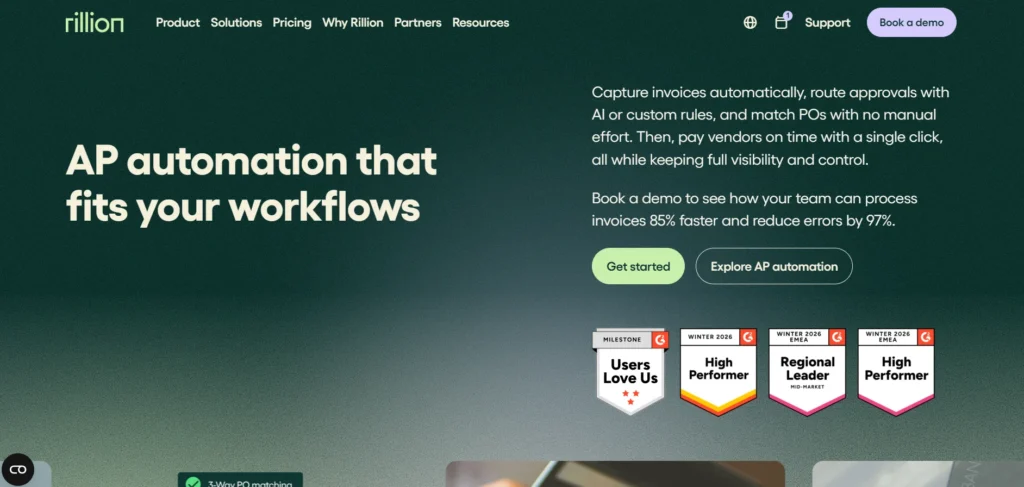
Rillion is an online invoice payment system that assists organisations to automate their accounts payable systems. The program scans invoices with OCR technology and extracts financial information and automatically forwards invoices.
It also goes hand in hand with enterprise resource planning and accounting software to make invoice matching and payment easier. Rillion also provides expense tracking, compliance monitoring and financial reporting tools.
The platform saves time by minimising manual invoice processing and minimises errors. Finance teams have made a common use of it as a scalable solution to invoice management and automated payment process.
Key Features:
- Automated invoice scanning and data capture
- OCR technology for invoice information extraction
- Digital approval workflows for invoices
- ERP integration for financial automation
- Real-time invoice tracking and reporting
Pros:
- Simplifies accounts payable processes
- Good integration with ERP systems
- Improves invoice approval efficiency
- Cloud-based accessibility
- Scalable for growing businesses
Cons:
- Limited customisation for smaller plans
- Implementation may take time
- Pricing can be high for small businesses
Pricing:
- Essential– Custom Pricing
- Professional– Custom Pricing
- Premium– Custom Pricing
5. Hyperscience
- Website: https://www.hyperscience.com
Hyperscience is an AI-based invoice scanning software and document processing system designed to automate intricate data extraction protocols. It uses machine learning to scan invoices, forms, and other documents, transforming them into structured digital data.
The site pays attention to a high level of accuracy and integrates both automated and human verification. Hyperscience accepts numerous document types and is connected to workflow automation of enterprise systems.
The software enables business entities to handle large amounts of invoices in a short time, with accuracy and compliance. It is particularly applicable to companies that require high-quality automation of financial and operational documents.
Key Features:
- AI-powered document processing platform
- Automated data extraction from invoices and forms
- Human-in-the-loop verification for accuracy
- Integration with enterprise systems and workflows
- Advanced analytics for operational insights
Pros:
- Extremely high accuracy rates
- Handles complex documents effectively
- Strong automation capabilities
- Scalable for enterprise use
- Reduces manual processing workload
Cons:
- Enterprise-focused pricing
- Requires technical implementation
- May be complex for small teams
Pricing:
- Hyperscience pricing is customised based on document volume, use case complexity, and deployment model
6. Veryfi
- Website: https://www.veryfi.com
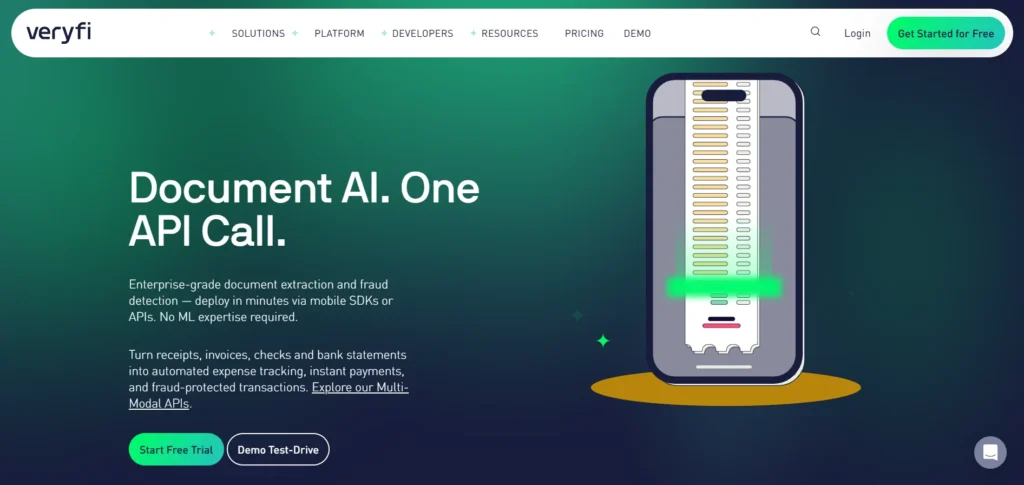
Veryfi is an ultrasonic and dynamic OCR system that is used to scan receipts and invoices in real time. The software employs AI-powered data extraction to extract critical financial data, including totals, tax amounts, and vendor details.
Veryfi provides mobile solutions that enable customers to scan invoices with smartphone cameras, which are useful in remote work and small enterprises. The platform is also linked to accounting software and financial applications that automate the bookkeeping process.
It is fast processing and mobile, which makes it very popular with companies that are interested in being fast and reliable in terms of invoice digitisation.
Key Features:
- Real-time OCR scanning for invoices and receipts
- Mobile camera capture for instant document scanning
- Automated expense categorization and data extraction
- Integration with accounting and bookkeeping tools
- AI-based fraud detection and compliance tools
Pros:
- Fast invoice scanning and extraction
- Mobile-friendly platform
- Easy integration with financial tools
- High OCR accuracy
- Ideal for remote teams
Cons:
- Some advanced features require premium plans
- Limited customisation for complex workflows
- Pricing increases with document volume
Pricing:
- Free– $0
- Starter– $500+/mo
- Growth– Contact sales for pricing
7. Docparser
- Website: https://docparser.com
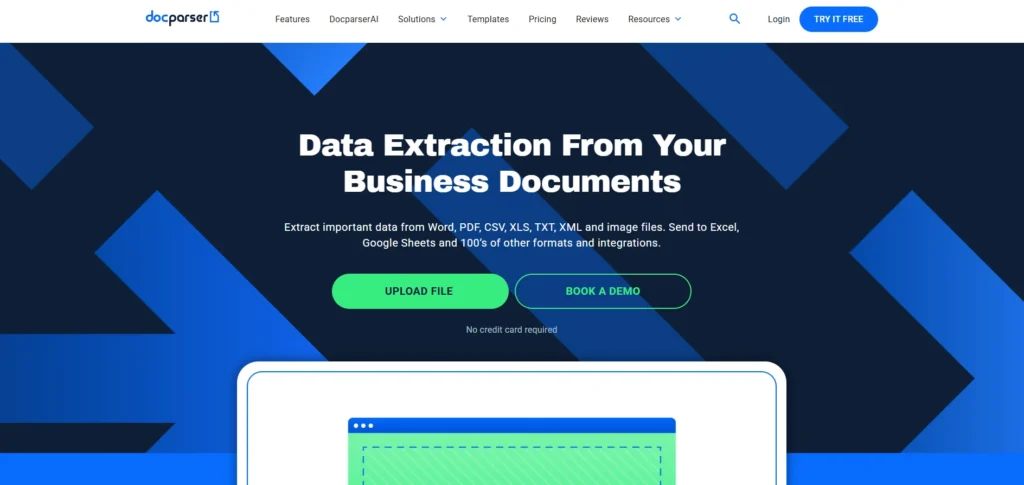
Docparser is a document parsing service, cloud-based, that uses its technology to get the structured information of invoices, PDFs, and other documents. The platform enables one to write their own parsing rules or templates to recognise and extract important information automatically.
Docparser is integrated with workflow software and automation systems to directly add data that has been extracted into spreadsheet, customer relationship management, or accounting software.
It is used by businesses to automate data entry of invoices and minimise manual processes. As a flexible and integrating tool, Docparser is popular with small companies and those teams that specialise in automation.
Key Features:
- Cloud-based document parsing and data extraction
- Custom parsing rules for invoice fields
- Automated data export to spreadsheets or apps
- Integration with automation platforms like Zapier
- Template-based document processing
Pros:
- Flexible parsing configuration
- Good integration with automation tools
- Affordable for small businesses
- Simple interface
- Supports multiple document types
Cons:
- Template setup required initially
- Limited advanced AI capabilities
- May struggle with complex invoices
Pricing:
- Starter– $32.50/month
- Professional– $61.50/month
- Business– $133.00/month
- Enterprise– Custom Pricing
8. Parseur
- Website: https://parseur.com
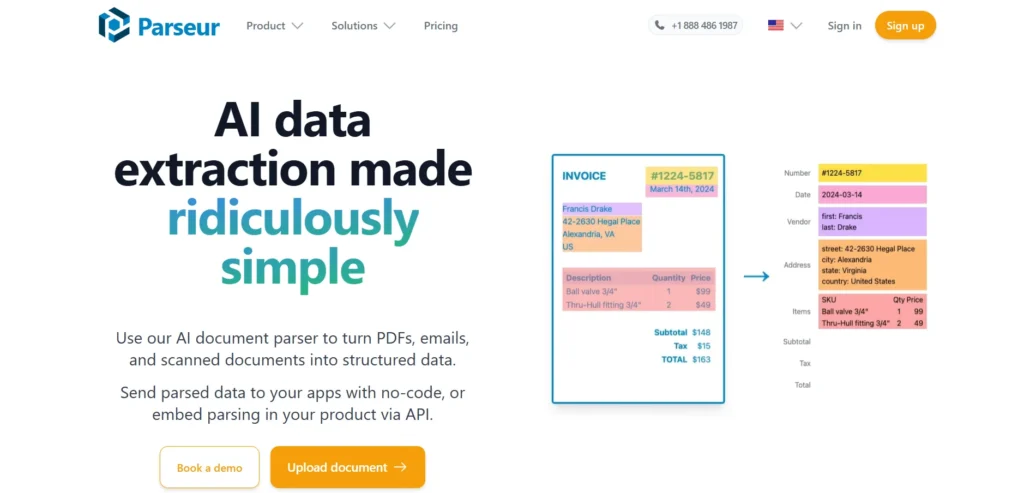
Parseur is an Artificial Intelligence-based invoice scanning software and document parsing application that extracts structured data from invoices and business documents. It can automatically read PDFs, scanned documents, and email attachments and convert them into structured data formats.
Parseur enables users to either build templates or extract invoice details in a quick way using AI. The platform is interlinked with a number of automation services and accounting tools which facilitates an uninterrupted workflow automation.
Parseur helps businesses simplify invoice processing, minimise errors in data entry, and simplify the collection of data presented in various documents.
Key Features:
- AI-powered email and document parsing
- Automatic invoice data extraction from PDFs
- Template-based and AI extraction options
- Real-time data export to other systems
- Integrations with automation tools
Pros:
- Easy to set up and use
- Good for email invoice automation
- Supports multiple document formats
- Strong automation integrations
- Suitable for small and mid-sized teams
Cons:
- Template creation needed initially
- Advanced features require paid plans
- Not ideal for large enterprise workloads
Pricing:
- Free tier– $0
- Base tier– Custom Pricing
- Scale tier– Custom Pricing
- Enterprise tier– Custom Pricing
9. Affinda
- Website: https://affinda.com
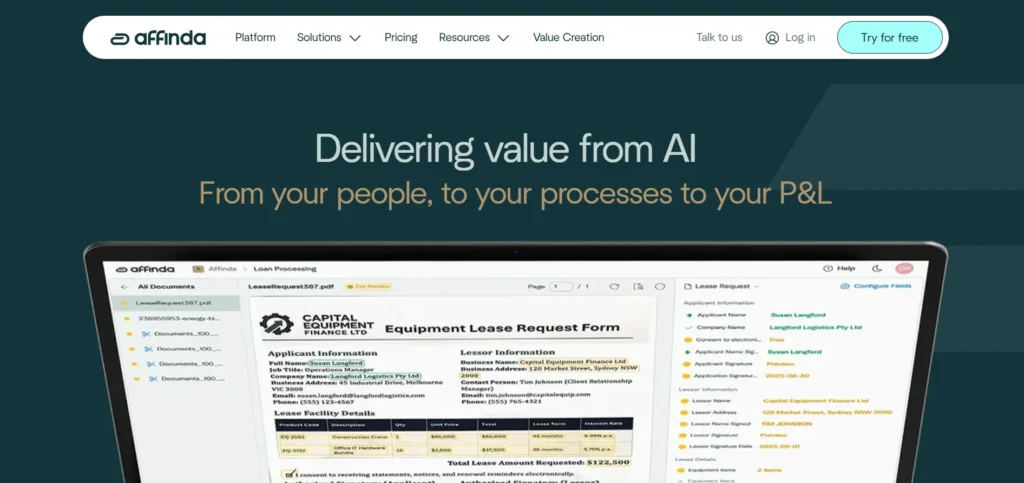
Affinda is an AI-based document processing system that focuses on the extraction of structured data in business documents. Its machine learning is highly developed to evaluate invoices and other financial documents to detect pertinent fields like invoice numbers, dates, and totals.
The Affinda offers APIs that are developer-friendly so that a company can integrate document processing features straight into their applications or workflows. The app accepts several document types and languages, which makes it fit international business.
Affinda is used by businesses to automate processes with high paperwork, decrease manual labor, and enhance the quality of financial data processing.
Key Features:
- AI document intelligence platform
- Automated invoice data extraction
- API integration for application workflows
- Multi-language document processing
- Machine learning models for document understanding
Pros:
- Developer-friendly APIs
- Accurate AI data extraction
- Scalable cloud platform
- Supports various document formats
- Flexible integration capabilities
Cons:
- Requires technical knowledge for setup
- Pricing may increase with usage
- Limited non-technical user interface tools
Pricing:
- Pay-as-you-go– $0.20/page
- Business– Custom Pricing
- Enterprise– Get a Quote
10. Klippa
- Website: https://www.klippa.com
Klippa is a smart document processing service automating the scanning of invoices, expense management, as well as the extraction of document data. The software utilises OCR and AI software to track financial data on invoices, receipts, and other documents.
Klippa is mobile scanning compatible allowing users to scan their invoices instantly by using a smartphone application. It is incorporated with accounting and enterprises to simplify financial operations.
Klippa helps businesses cut down on paper work, enhance tracking of expenses and automate invoice management procedures. It is user friendly and easy to automate making it applicable in organisations of different sizes.
Key Features:
- AI-based OCR for invoice and receipt scanning
- Mobile document capture and expense tracking
- Automated data extraction and verification
- Integration with accounting software
- Fraud detection and compliance tools
Pros:
- Mobile-friendly scanning capabilities
- High OCR accuracy
- Supports expense management workflows
- Easy integration with financial tools
- User-friendly interface
Cons:
- Limited features in lower pricing tiers
- Custom integrations may require setup
- Enterprise features cost more
Pricing:
- Effective– €95/mo
- Premium– €275/mo
- Custom– Custom Pricing
11. Tipalti
- Website: https://tipalti.com
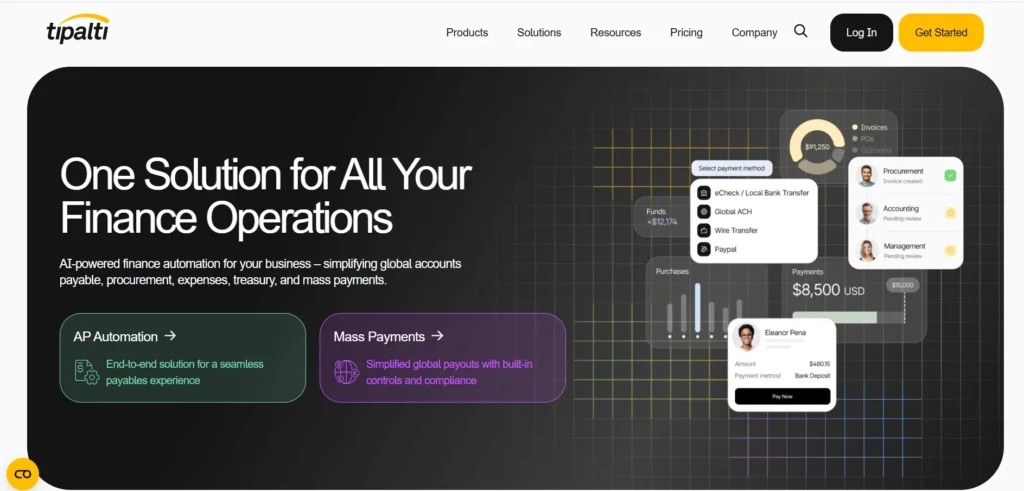
The Tipalti is an all-purpose accounts payable automation system with a powerful invoice processing and invoice scanning. It involves OCR to scanner invoice information and automatically reconciles it with purchase orders and vendor information.
Supplier onboarding, global payments, tax compliance, and financial reporting are also supported by Tipalti. The platform is linked to the enterprise resource planning systems to facilitate the financial processes and decrease the human accounting activities.
Companies are using Tipalti to process large amounts of invoices, enhance the accuracy of payments, and adhere to international financial standards.
Key Features:
- Automated invoice capture and processing
- Global payment automation and compliance tools
- Supplier onboarding and management
- Purchase order matching and approval workflows
- ERP and accounting software integrations
Pros:
- Comprehensive accounts payable automation
- Strong compliance and tax features
- Supports global payment operations
- Advanced financial reporting
- Scalable enterprise platform
Cons:
- Expensive for small businesses
- Implementation can take time
- Requires training for finance teams
Pricing:
- Advanced– €219/month
- Select– €99/month
- Elevate– Custom Pricing
12. Dext‘
- Website: https://dext.com
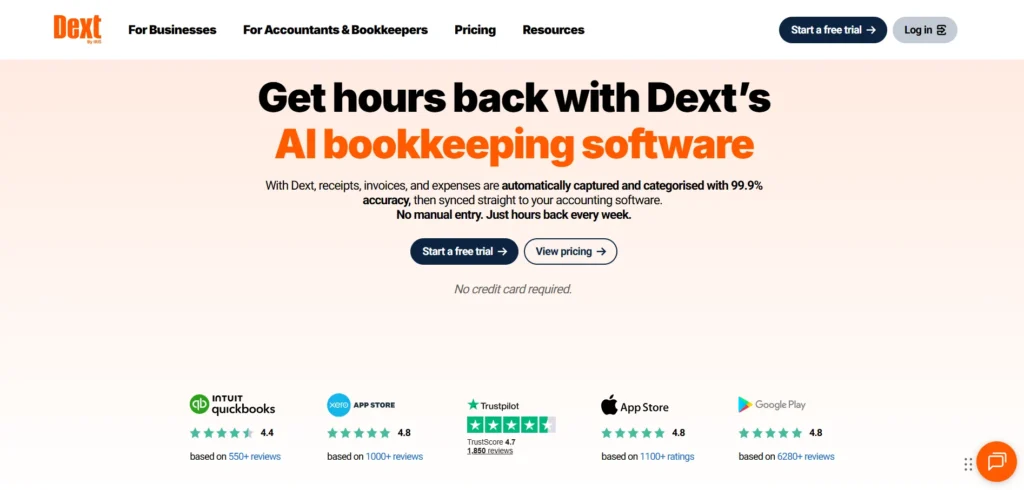
Dext is an online expense and a powerful invoice scanning software designed to streamline financial record keeping and bookkeeping. The software enables users to scan invoices and receipts through a mobile application or by uploading them via email.
It can automatically retrieve important information about the finances and tabulate the documents so that they can be easily included in reporting and accounting. Dext links to common accounting apps, supports maintaining financial records precise and current.
The platform is often utilised by small businesses and accounting firms to minimise data entry and enhance efficiency in managing expenses and invoices.
Key Features:
- Invoice and receipt scanning via mobile app
- Automatic data extraction from documents
- Integration with accounting platforms
- Real-time expense and invoice management
- Secure cloud document storage
Pros:
- Very easy to use interface
- Mobile scanning capabilities
- Popular with accountants and small businesses
- Good accounting integrations
- Speeds up bookkeeping tasks
Cons:
- Limited enterprise features
- Subscription pricing model
- Advanced automation is limited
Pricing:
- Essentials– From $23.92/client/month
- Advanced– From $25.64/client/month
13. Medius
- Website: https://www.medius.com
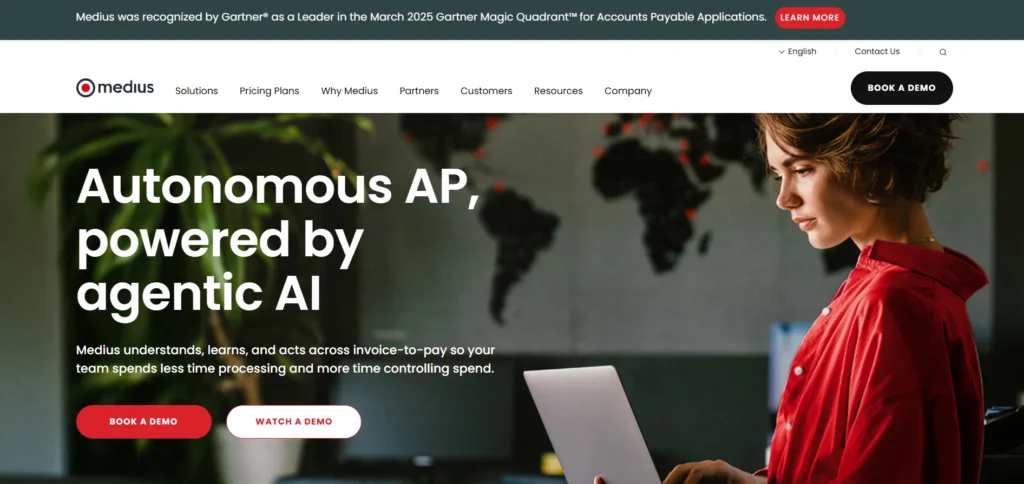
Medius is an enterprise pay accounts automation software that simplifies invoice processing, invoice approvals and invoice payment. The system works based on OCR and AI to scan invoice information and confirm it automatically with purchase orders and vendor databases.
Medius is connected to the ERP systems that can give the real-time view on financial operations and expenditures. The tools it covers are also fraud detection, compliance management and financial analytics.
Companies embrace Medius to enhance efficiency, minimise invoice processing expenses, and have increased sophistication to manage their accounts payable processes.
Key Features:
- AI-powered accounts payable automation
- OCR invoice capture and processing
- Automated invoice matching and approvals
- ERP integration and financial analytics
- Fraud detection and compliance monitoring
Pros:
- Strong financial automation capabilities
- Good analytics and reporting tools
- Scalable for large organisations
- Improves invoice processing speed
- Reduces manual accounting tasks
Cons:
- Implementation can be complex
- Pricing suited for enterprises
- Training required for finance teams
Pricing:
- Medius AP Essential– Talk to sales
- Medius AP 360– Get a Quote
14. Vic.ai
- Website: https://www.vic.ai
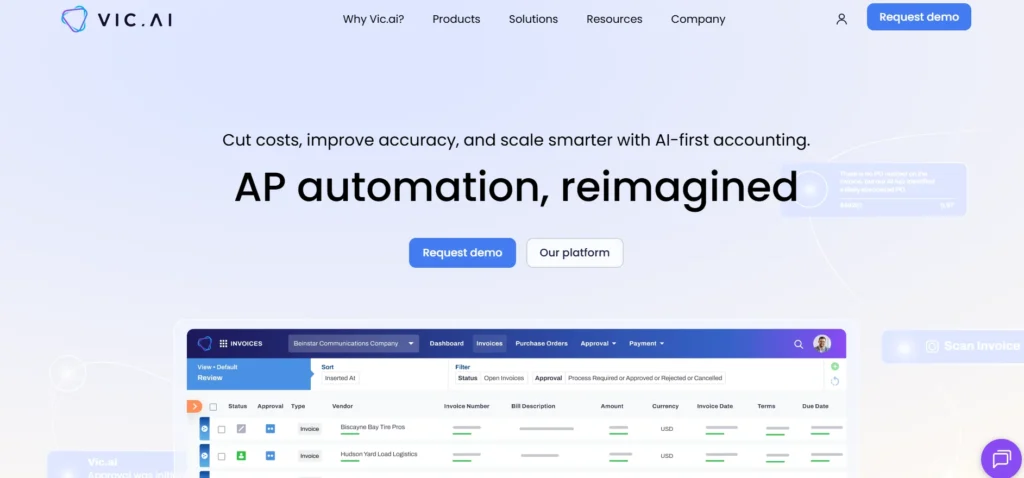
Vic.ai is an AI-based accounting automation system that is aimed at enhancing invoice processing and financial activities. The program employs AI to read invoice information, classify costs, and automate approval processes.
Vic.ai is constantly learning past account information to enhance automation precision and minimal human intervention. It is connected with the accounting systems and ERP platforms to simplify the process of accounts payable.
With Vic.ai, finance teams employ the solution to become productive, improve invoice processing workflows, and get more insight into financial data because of automated analytics and reporting solutions.
Key Features:
- AI-driven autonomous accounting platform
- Automated invoice capture and coding
- Smart approval workflows for accounts payable
- Machine learning for financial automation
- Integration with ERP and accounting tools
Pros:
- Advanced AI automation capabilities
- Reduces manual accounting processes
- Improves financial insights
- Strong analytics and reporting tools
- Scales with business growth
Cons:
- Premium pricing structure
- Best suited for large finance teams
- Requires integration setup
Pricing:
- Request Pricing
15. Stampli
- Website: https://www.stampli.com
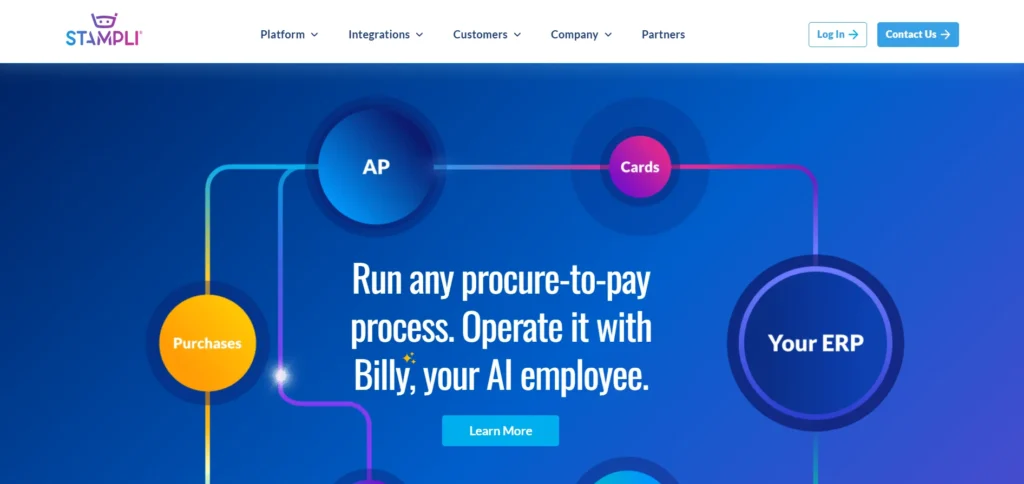
Stampli is an invoice scanning software and accounts payable automation platform that helps businesses capture, review, approve, and manage invoice payments through a collaborative workflow.
The software reads and processes invoices with OCR technology and automatically extracts important financial data. The interface of Stampli enables communication between finance teams that enhances transparency and collaboration during the invoice process.
It has an interface with other ERP and accounting systems to match invoices and payment automation. Stampli is used by business to alleviate processing delays, enhance financial visibility, and keep track of invoices and enhance overall accounts payable efficiency.
Key Features:
- OCR-based invoice capture and processing
- Collaborative invoice approval workflows
- Real-time communication within invoices
- ERP and accounting software integrations
- AI-powered invoice coding suggestions
Pros:
- Strong collaboration features
- Simplifies invoice approvals
- Easy integration with accounting tools
- Improves accounts payable visibility
- User-friendly platform
Cons:
- Subscription pricing can increase with usage
- Some features require training
- Enterprise features cost more
Pricing:
- Request a Quote
Ending Thoughts
Invoice scanning software has become an essential tool for businesses looking to simplify financial operations and reduce manual work. By automatically capturing and organising invoice data, these solutions help improve accuracy, speed up processing, and minimise human errors. They also support better record management, faster approvals, and smoother integration with accounting and ERP systems.
As companies increasingly adopt digital workflows, reliable invoice scanning tools make it easier to handle large volumes of documents efficiently. Choosing the right solution depends on factors such as automation capabilities, integration options, ease of use, and scalability, ensuring businesses can manage their invoicing processes more effectively and confidently.
FAQs
What is Invoice Scanning System?
Invoice scanning software is a digital tool that captures invoice data from scanned documents, PDFs, or images and converts it into structured data automatically.
How does Invoice Scanning Tools work?
It uses OCR (Optical Character Recognition) technology to read invoice details such as vendor name, invoice number, amount, and date.
Why do Businesses use Invoice Scanning System?
Businesses use it to reduce manual data entry, improve accuracy, speed up invoice processing, and maintain organised financial records.
Can Invoice Scanning Software Integrate with Accounting Systems?
Yes, most modern invoice scanning tools integrate with accounting and ERP systems to automatically transfer invoice data.