

You have gone cruising with your computer or the server, everything is going fine until, bam!, one rogue cyber threat gets in through an out-of-date hole in the software, and the consequences are catastrophic—frozen screens, loss of data, or even worse. This is where patch management platforms quietly make the difference. We’ve all been there, right? The frantic end-of-day process of manually patching applications, then forgetting to apply at least one critical update, only to find yourself being held to ransom by ransomware.
Or put the example of a small business owner like you as he or she walks through the digital marketing campaigns, and a poor CRM tool opens the doors of hackers who, in a single wave of their hands, obliterate the customer information, leaving the business in shambles.
It doesn’t have to be this way. Patch Management Tools are your covert security area managers, probing into your systems, downloading security patches from vendors like Microsoft or Adobe, and installing them more or less without much fanfare—in the background, as you take a nip of coffee. There is no longer a need to suffer the headache of having to manually update. These smart applications save time, reduce risks, and help you get your online world running like a well-oiled machine, whether you’re a freelancer, a controller of Google Analytics dashboards, or a manager with servers humming all day and all night.
What is a Patch Management Tool?
Patch management tools are computer programs that are used to automate the identification, acquisition, testing, deployment, and verification of operating system, applications, and device patches (updates). These tools scan the networks to find vulnerabilities or bugs, rank the fixing of bugs based on their priority and risk, and test the fixes in a controlled environment to ascertain compatibility, and arrange deployments in a manner that the impact is minimal, and that compliance and security are not compromised.
They would help organizations to be less vulnerable to cyber threats, provide stability to their systems, and generate audit-related reports through the automation of what was otherwise a manual and error-ridden task.
What to Look for in Patch Management Software?
Patch management software assists organizations in developing the process of vulnerability identification, testing, and deployment of updates to rectify vulnerabilities in endpoints, servers, and applications through automation. Patch Management Tools emphasize efficiency, security, and compliance across diverse IT environments.
- Core Automation Features: Automated patch deployment is time-saving because it performs updates at off-hours and processes pre-/post-deployment activities such as testing. Real-time vulnerability scanning is used to identify missing patches on Windows, macOS, Linux, and third-party applications in real time. Cross-platform compatibility means that mixed environments are covered without hand ducts.
- Reporting and Visibility: Patch compliance status, endpoint coverage, and failure analytics are available through real-time dashboards so that they can be remediated quickly. The large fleets of vehicles are easy to monitor using filters by OS, group, or risk level. A detailed audit trail and compliance reports are consistent with such standards as CIS, NIST, or PCI DSS.
- Advanced Capabilities: Risk-based prioritization puts emphasis on high-threat patches initially, and deferral must be notified to users. Exception handling and rollback options reduce the time taken during aborting updates. Role-based access control and integrations with the available IT tools increase scalability.
Benefits & Importance of Patch Management Tool
Patch management software programs are computerized to detect, test, and deploy software patches across the IT environment to correct vulnerabilities, bugs, or performance issues. Patch management platforms are essential for helping organizations stay secure, operational, and resilient within a dynamic threat environment.
Key Benefits:
- Stronger Security: By sealing the vulnerabilities that are used by malware, ransomware, and other cyberattacks to gain access to the system, minimizing the size of the attack surface, and the likelihood of breaches, makes the security tools safer.
- Performance of the system is enhanced: patching eliminates bugs, crashes, and bottlenecks that bring in more stability and maximum software performance.
- Efficiency on Automation: They do away with the manual process and automate the entire process of detecting, deploying, and verifying the process, allowing the IT team to focus on other important opportunities.
- Increased Downtime: The updates made during the Out of the Hours mean that the type of business can continue running, and the productivity of the users will not be affected.
- Cost Savings: Patching beforehand will assist in averting costly assaults such as data breaches and control the total remediation expenses.
Strategic Importance
Patch management software provide an opportunity to search for a centralized view and real-time reporting, and monitor adherence to regulations such as GDPR or industry standards. They allow scalability to businesses that can communicate with various endpoints, third-party applications, operating systems, and integrate seamlessly with Field Service Management Software without any complexities. In the normal course of things, regular use supplements the status of cybersecurity and business continuity to novel threats.
List of 12 Best Patch Management Tools
1. ManageEngine Patch Manager Plus
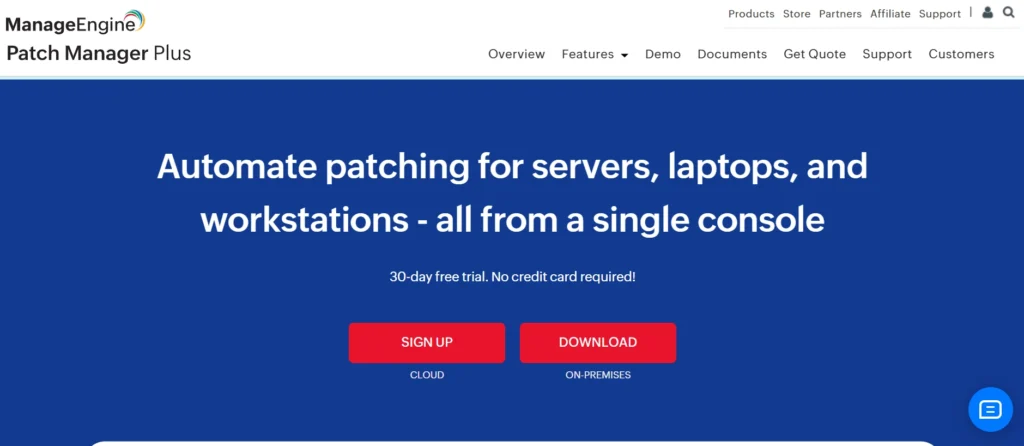
ManageEngine Patch Manager Plus is an all-purpose patch management tool that assists IT administrators in automating the detection, testing, deployment, and reporting of patches across Windows, macOS, Linux endpoints, and over 850 third-party applications such as Adobe, Java, and Chrome. As one of the trusted patch management platforms, it helps organizations stay security-compliant and reduce vulnerabilities in the most cost-effective manner.
Key Features:
- Robotic patch scanning, installation, and rollback of OS and third-party software.
- Patch testing and approve procedures with test customizable groups.
- Single point of control in terms of tracking compliance, risk prioritization, and insightful reporting.
- Policy management, role-based access control, and two-factor authentication.
- Windows feature updates, antivirus definitions, and system health policy support.
Pricing:
- Professional Edition: STARTS AT Less than$1/endpoint per month
- Enterprise Edition STARTS At $1/endpoint per month
Website: https://www.manageengine.com/patch-management/.
2. SolarWinds Patch Manager
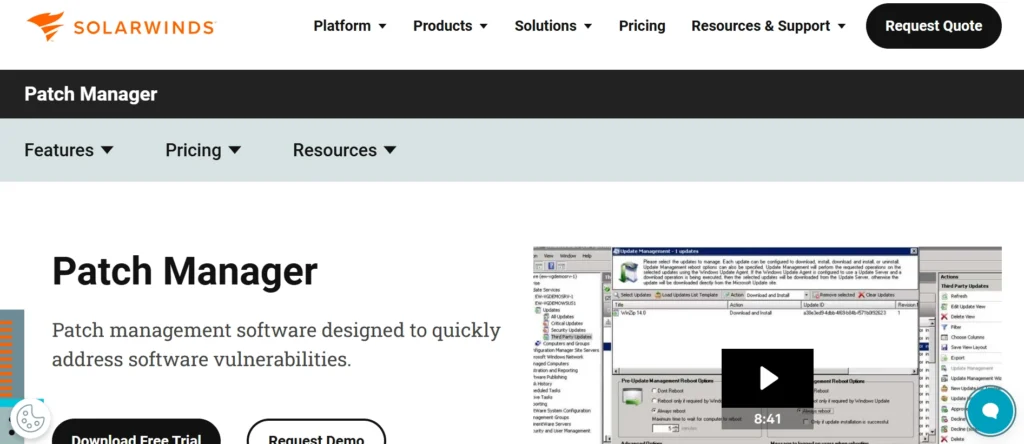
SolarWinds Patch Manager is an on-premises–based patch management software used to simplify the updating of Microsoft Windows servers and workstations, as well as third-party applications, by extending WSUS (Windows Server Update Services) and SCCM (System Center Configuration Manager) capabilities. As one of the reliable patch management tools, it automates patch research, testing, deployment, and reporting to ensure compliance, reduce vulnerabilities, and save time across large networks. It is designed for fast rollout and dynamic scheduling to deliver updates to the right machines at the right time.
Key Features:
- Automatic deployment of tested Microsoft and third-party patches was done by using WSUS/SCCM integration.
- Identification, discovery, and tracking of unpatched systems or rogue systems throughout the organization.
- Patch compliance reporting of customizable alerts and vulnerability prioritization dashboards.
- PackageBoot to carry out pre-/post-patch, remote/automated software deployment.
- Hardware inventory extension and compliance reports in detail.
Pricing:
- Monitoring & Observability Starts at: $7 Per node/month
- Database: Starts at: $142 Per database/month
- IT Service Management Starts at: $39 Per technician/month
- Incident Response Starts at: $9 Per user/month
website: https://www.solarwinds.com/patch-manager
3. NinjaOne Patch Management
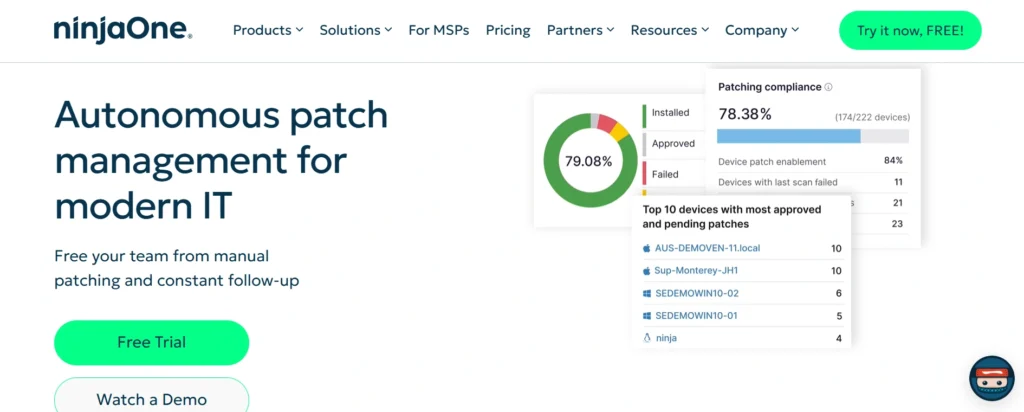
NinjaOne Patch Management is an agent-based, cloud-based patch management product capable of identifying, testing, approving, and deploying patches to Windows, macOS, and Linux endpoints, including third-party applications, without requiring VPN access. As one of the modern patch management software, it automates business IT through vulnerability checks, customized schedules, automated reboots, and a real-time compliance dashboard. This minimizes security risks and can save up to 90 percent of the time typically spent on patching, while supporting remote, hybrid, and on-premises environments.
Key Features:
- OS and over 200 third-party applications are patched, which is automatically recognized and applied to zero touch.
- Patch Intelligence to detect the unstable patches and prevent risky updates in advance.
- Cut vulnerability testing and mitigation by 75 percent using CVE/CVSS.
- Live patching status, compliance tracking, and reporting are displayed in a user-friendly dashboard.
- Remote repair software like terminal access, registry editing, and schedulable rebooting.
- Auto approvals, customized policies, and zero-day warnings.
- The cloud is capable of supporting any endpoint (connection to the internet) without any infrastructure.
Pricing:
NinjaOne is sold as a per-device subscription solution (approximately $3–$5 per endpoint per month, billed annually) and does not publish tiered pricing plans. As one of the popular patch management tools, pricing depends on features and volume, meaning specific costs are only provided after a demo.
Website: https://www.ninjaone.com/patch-management/
4. Automox
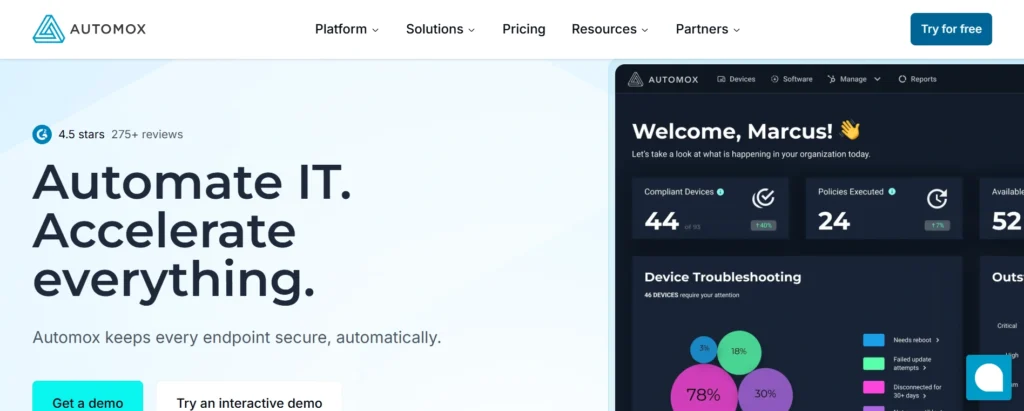
Automox is a cloud-based automation platform focused on endpoint management, with a strong emphasis on automated patching for Windows, macOS, Linux, and hundreds of third-party applications such as Adobe, Chrome, and Java. As one of the efficient patch management software, it streamlines IT processes through a lightweight agent that enables updates without VPNs, delivers real-time visibility into endpoint health, and accelerates vulnerability remediation—reducing manual effort while strengthening security compliance for remote and distributed workforces.
Key Features:
- Windows, macOS, and Linux Cross-platform OS patching with automated policy enforcement and zero-day vulnerability response.
- Automatic malware scanning, Patch Saf, and Notifies automatic detection, packaging, and deployment of more than 580 applications, which can be patched manually or automatically.
- Tagging and grouping of devices and configuring them to a custom workflow, hardware, software, and compliance inventory tracking.
- Remote troubleshooting, scripting, software rollouts, and reporting through dashboards, PDF exports, and integration using APIs.
- Vulnerability sync and remediation, and quick agent installation of less than 30 minutes to do immediate patching.
Pricing:
Automox has flexible per-endpoint/monthly pricing with the lowest tier at approximately $1/ep/month, which is billed annually, with plans increasing in price depending on features such as advanced automation and support; the actual cost would need a custom quote on their site.
Website: https://www.automox.com
5. Microsoft Intune / Endpoint Manager
Microsoft Intune is a cloud-based unified endpoint management platform included in Microsoft Endpoint Manager that enables streamlined management of devices, applications, and security across Windows, macOS, iOS, and Android platforms, including patching through Windows Autopatch and support for third-party updates. As one of the integrated patch management tools, it helps organizations maintain secure and compliant environments with minimal manual effort.
Key Features:
- Smart enrollment, configuration, and compliance regulations for safe access of Cloud-native devices.
- App deployment and self-service portal protection policy.
- Windows Autopatch Windows, Microsoft 365 applications, Edge, and Teams patching.
- Conditional access and threat detection integration with Microsoft Defender.
- Remote support extensions and better analytics extensions.
Pricing:
- Microsoft Defender Suite
- Microsoft Intune Suite: $10.00 user/month, paid yearly
Website: microsoft.com/en-us/security/business/microsoft-intune.
Suggested Read: Team Communication Tools
6. Kaseya VSA
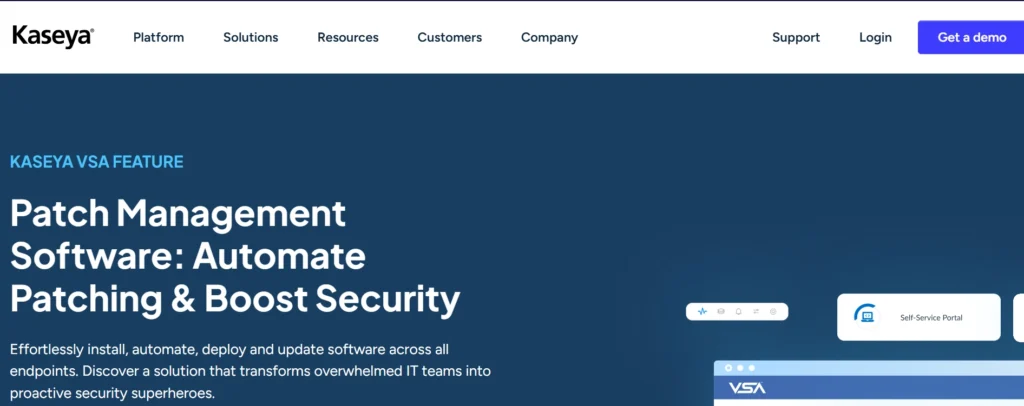
Kaseya VSA Patch Management is a core feature of the Kaseya VSA remote monitoring and management (RMM) platform, designed to automate the deployment of software updates and patches for Windows, macOS, and third-party applications across both on-premises and off-premises environments. As one of the comprehensive patch management tools, it simplifies IT operations through policy-based scheduling, vulnerability management, and rapid patch distribution without requiring a centralized file share. This helps teams maintain compliance, reduce the risk of breaches, and focus on strategic initiatives instead of time-consuming manual patching.
Key Features:
- Platform-based policy-based approvals, scheduling, and installation.
- Periodic scan and analysis software to test network boundaries to find vulnerabilities without disturbing the users.
- Patch blocks to prevent certain updates or KBs on target machines.
- Quick on-off-network shipment through a VSA agent to achieve efficient package delivery.
- Visibility dash reporting the CVE patch status of the overall IT environment.
- Third-party patching and native OS engines (licensed separately).
Pricing:
Kaseya VSA pricing is quote-based and typically charged per technician or per endpoint (averaging around $2–$4 USD per endpoint per month). patch management platforms are included in higher bundles such as Professional or Enterprise plans, and advanced third-party patching may require add-ons. Precise pricing requires contacting sales because the solution is tailored to MSPs and IT teams.
Website: https://www.kaseya.com/products/rmm-software/patch-management/
7. GFI LanGuard
GPI LanGuard is a fully featured on-premises network security and patch management product offered to small, medium, and large businesses. It can automatically or on-demand scan systems, identify vulnerable devices, apply patches to Microsoft, macOS, Linux, and third-party applications, and monitor network-wide compliance through auditing and reporting. As one of the reliable patch management tools, it helps organizations maintain security and compliance across their entire network.
Key Features:
- Auto patching of operating systems and third-party applications, with auto download, rollback, and deployment options.
- Scanning of windows, Mac OS, Linux, virtual machines, and network devices with more than 50,000 assessments.
- Network auditing, inventory assessment, threat visualization, and compliance reporting central dashboard (e.g., PCI DSS, HIPAA).
- Multi-language, email notification, agent-based and agentless scanning, customizable profiles, scheduling, and agent-based scanning.
- Patch testing, remediation management, role-based access control, and integration with other security tools.
Pricing:
Pricing begins at approximately $10 per year per device under protection, usually offered in tiered plans based on the number of endpoints managed (e.g., 50–500+ devices by quote). As one of the leading patch management software, specific plans and pricing vary, so contact the vendor to request quotes, trials, or demos.
Website: https://gfi.ai/products-and-solutions/network-security-solutions/languard
8. Atera
The Atera Patch Management is an inherent tool of the Atera IT management platform that targets managed service providers (MSPs) and IT teams, enabling them to automate and centralize software updates for Windows, macOS, and Linux computers. This helps maintain security by effectively addressing vulnerabilities without the need to update each machine individually. As one of the useful patch management tools, it integrates seamlessly with Atera’s remote monitoring, ticketing, and reporting features to provide a single, unified workflow.
Key Features:
- Patch compliance, vulnerable devices, and missing OS patches are monitored centrally across groups and categories.
- Automated patching and custom policy, scheduled, and bulk operations, such as user-notified reboots.
- Third-party applications, OS updates through Windows update agent (WUA) API, and Linux APT on Ubuntu/Debian.
- Severity, classification, and products search; status, successes, and failures report.
- Tab-to-tab direct patching to be fast and optimization mechanisms powered by AI.
Pricing:
Atera uses per-technician pricing, starting at $129 per month with unlimited devices and built-in patch management. As one of the comprehensive patch management platforms, higher-tier plans (Professional, Expert, Master) include additional functionalities such as professional services and advanced features.
Website: https://www.atera.com
9. Syxsense Active Manage
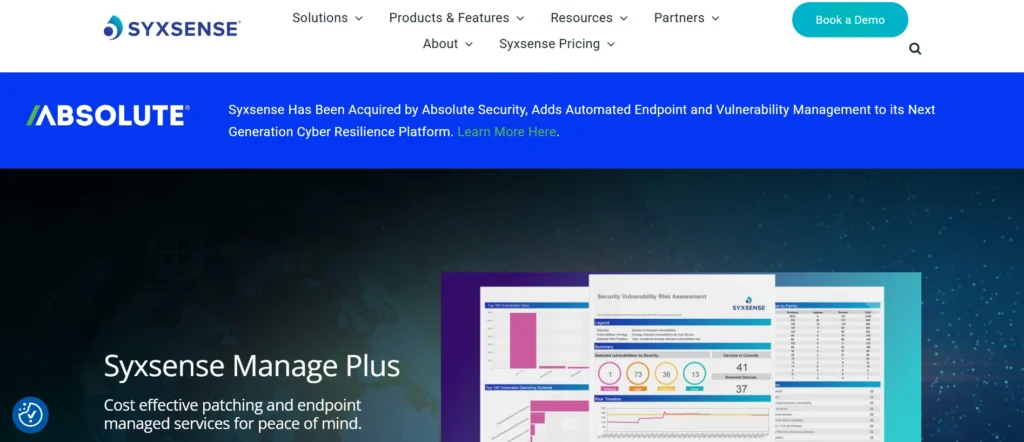
Syxsense Active ManagePatch is an endpoint security tool within the Syxsense platform that applies patches to Windows, macOS, Linux, and third-party applications (such as Adobe and Chrome). It simplifies the task of detecting, testing, prioritizing, and deploying patches through its cloud-based patch management solution. As one of the modern patch management software, it provides complete visibility of devices (on-network, remote, and cloud-based) and protects user productivity by scheduling maintenance and reboot policies. This enables organizations to fix vulnerabilities promptly with minimal disruption.
Key Features:
- 3rd-party patches and scanning of automation OS, and detecting vulnerabilities with a real prioritization.
- Timing windows to be deployed when not doing any business, and repeated with Patch Tuesday and updates that contain critical information.
- Assistance to refresh features and/or develop a custom ISO to fit windows, reboot control to minimize end-user contact.
- A great percentage of endpoint discovery of the whole network, including roaming devices, to determine the risk.
- Remote control and reporting, as well as analytics to verify compliance through troubleshooting, using a secure web browser.
Pricing:
It costs approximately $5 per endpoint per year on a subscription basis and offers a free trial (no credit card required). As one of the reliable patch management tools, higher service tiers may range up to $3–$10+ per endpoint per year depending on features such as unified endpoint management and volume discounts for larger deployments.
website: https://www.syxsense.com/syxsense-active-manage
10. PDQ Deploy
PDQ Deploy is a Windows-based deployment application designed for IT administrators to mass-install software, patches, and scripts. As one of the effective Patch Management Tools, it streamlines the patch management process on a large scale by updating third-party applications and Windows systems efficiently, saving time and reducing manpower requirements.
Key Features:
- Ready-to-Use Package Library includes hundreds of automatic updates of popular applications and Windows updates.
- These include automatic and scheduled deployments and CVE, version, and device group triggers.
- Multi-step scripts, PowerShell integration, and nested packages. Custom package creation.
- Error reporting, bandwidth throttling, deployment monitoring, and retry queues.
- Offline deployments enable Wake-on-LAN, Active Directory integration, and dynamic collections.
- Email notification, multi-admin control, and centralized control.
Pricing:
- Entry: $12/per/year (hurried patching and stocking).
- Additionally: 18/per device/year
- Premium: $28 per device/year
website: https://www.pdq.com/pdq-deploy/
11. Pulseway
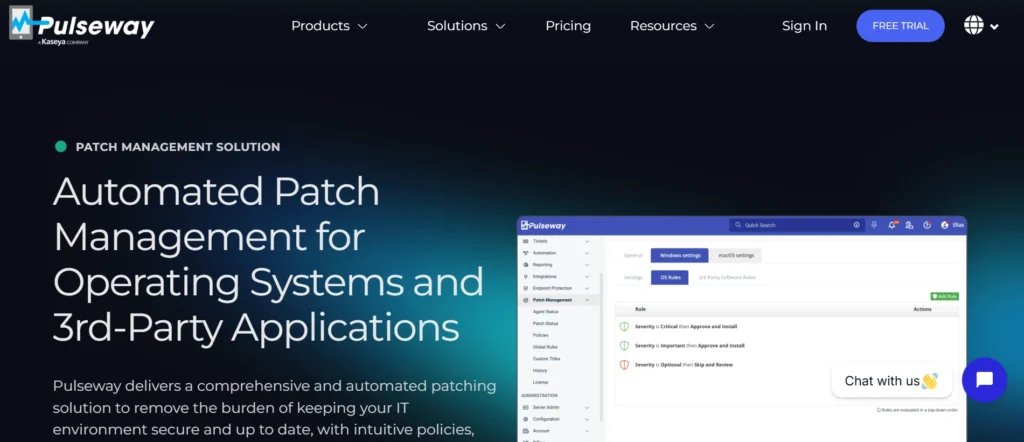
Pulseway Patch Management Tool is an all-inclusive RMM (Remote Monitoring and Management) feature of the Pulseway platform. It automates the deployment of software updates to Windows, macOS, and more than 220 third-party applications to help maintain the security of IT environments. As one of the comprehensive Patch Management Tools, it reduces vulnerabilities through real-time scanning, policy-based scheduling, and centralized monitoring.
Key Features:
- Automatically patches operating system, third-party applications, and custom software titles and has policy controls in schedules, approvals, reboots, and notifications.
- Gives visibility in real time through dashboards, patch status (pending/approved/rejected), and compliance and vulnerability analysis reports are automatically generated.
- Allows access to mobile apps to use smartphones to remotely monitor, approve, and fix.
- Supports global rules, randomizing update intervals as a preventative measure against network overload, and scripting to jump over dysfunctional patches.
- It has centralized management of endpoints that have historical logs and demand scans.
Pricing:
- Starting From $67 Per month(monthly)
- Starting From $44Per month(annual)
- Starting From $27Per month(3 years)
Website: https://www.pulseway.com/products/patch-management
12. ConnectWise Automate
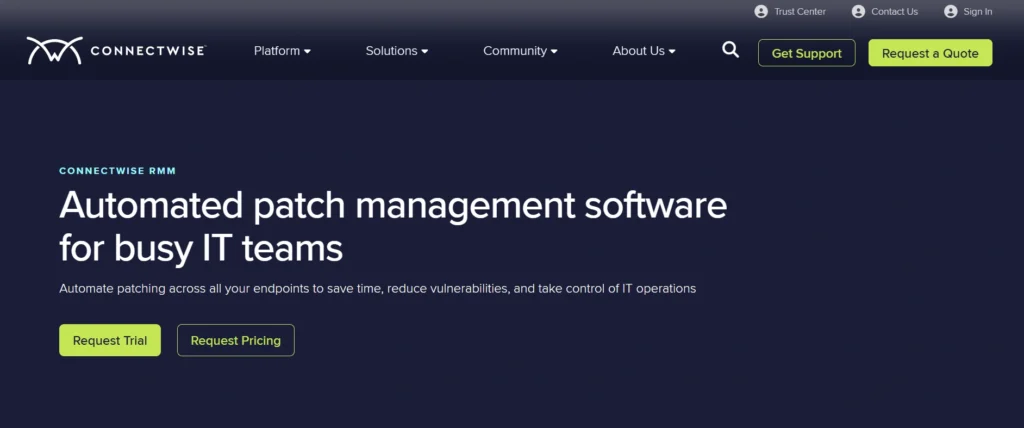
ConnectWise Automate Patch Management is a robust feature of the ConnectWise Automate RMM (Remote Monitoring and Management) platform, primarily designed for MSPs (Managed Service Providers). It automates the detection, testing, approval, deployment, and reporting of software patches for Windows, macOS, and third-party applications within IT environments. As one of the reliable Patch Management Tools, it simplifies vulnerability mitigation by scanning endpoints, prioritizing critical updates, scheduling off-hour deployments, and providing real-time compliance monitoring to minimize system disruption and reduce the risk from unpatched systems.
Key Features:
- Patch scanning, deployment, and rollback to offer effective updates on several devices through automation.
- Customized schedules and policies that would fit the patching and business operations, and compliance requirements.
- Real-time monitoring, failure/vulnerability alerts, and informative reporting boards.
- Remote access and troubleshooting, and repairing management, which is not localized.
- Third-party also provides the support of third-party applications other than the OS, as well as integrating third-party applications that deal with other IT tools.
Pricing:
ConnectWise Automate is sold on a per-technician license basis. Patch Management is an optional add-on or feature; basic pricing is around $20-50 per device/month (depending on volume and nature of contract, but an actual quote will be required), but it is customized. Other alternatives, like advanced patching, may be billed separately and typically on an annual fee.
Website: https://www.connectwise.com/platform/rmm/patch-management
Comparison Table
| Software Name | Price | Free Plan | Best For |
| ManageEngine Patch Manager Plus | ~$1/endpoint/month | No | Comprehensive OS/third-party patching, 850+ apps, compliance reporting |
| SolarWinds Patch Manager | $2,274/subscription (250 nodes) | 30-day trial | WSUS/SCCM integration, large networks |
| NinjaOne Patch Management | $3-5/endpoint/month (annual) | No (demo only) | Cloud-based, remote/hybrid, zero-touch updates |
| Automox | ~$1/endpoint/month (annual) | No (custom quote) | Cross-platform (Windows/macOS/Linux), quick agent setup |
| Microsoft Intune | $8-10/user/month | No (part of M365) | Microsoft ecosystem, endpoint security |
| Kaseya VSA | $2-4/endpoint/month (quote) | No | MSPs, policy-based automation |
| GFI LanGuard | ~$10/device/year | Trial available | Network scanning, multi-OS compliance |
| Atera | $129/month per technician | No | MSPs/IT teams, unlimited devices |
| Syxsense Active ManagePatch | ~$5/endpoint/year | Free trial | Vulnerability prioritization, cloud deployment |
| PDQ Deploy | $12/device/year (Entry) | 14-day trial | Windows deployments, custom scripts |
| Pulseway | ~$1.74/endpoint/month (Team) | Free trial | RMM, mobile monitoring, 220+ apps |
| ConnectWise Automate | $20-50/device/month (quote) | No | MSPs, customizable schedule |
Conclusion
Patch management software like ManageEngine Patch Manager Plus, NinjaOne, Automox, and others replaces the chaotic manual updating process with automated, step-by-step cyber threat protection. These Patch Management Tools provide enhanced security, better system performance, and significant savings in time and money for freelancers, digital marketers, and IT teams alike.
These Patch Management Tools have the capacity to cut down on downtime and let you focus on growth instead of combating breaches by prioritizing vulnerabilities, enabling cross-platform compatibility, providing real-time compliance dashboards, and helping you identify the solution that best suits your endpoints and budget—keeping your digital world running efficiently and securely.
FAQs
Q.1 What is a Patch Management Tool?
Patch management systems are automated systems that are used to identify, buy, test, deploy, and monitor operating system, application, and device patches. They also scan networks to locate weak points, rank patches, and make sure that the least damage possible is caused without compromising compliance.
Q.2 What is Patch Management? Why is it important?
It fortifies the security by sealing the signs of malware and ransomware, it improves the system performance, it computerizes the manual processes, it reduces the downtimes with the reconstruction of the off-hours, and it saves money because it avoids the breach.
Q.3 What are the Characteristics I Need to Seek in Patch Management Software?
Among the areas of priority, one should regard the core automation (real-time scanning, cross-platform support (Windows, macOS, Linux), reporting dashboards, and audit compliance (e.g., CIS, NIST) and more complex options, such as prioritized risk view.
Q.4 In What Ways Would These Tools Improve Efficiency?
They can facilitate automated deployment under off-hours in the network, do compliance reporting in real-time, and rank vulnerabilities, which involves fewer manual operations and allows IT departments to pay more attention to strategic projects.
Q.5 Are They Able to Deal with Third-Party Applications?
Most importantly, the massive majority has supported patching applications such as Adobe, Java, and Chrome, and OS updates, such as ManageEngine and NinjaOne, which includes hundreds of third-party vendors.