


The data is referred to as the new oil, but until it is refined, oil is useless. Microsoft Power BI has always been the refinery of choice in the business world. Nonetheless, this picture is changing as we proceed to 2026, with regard to Business Intelligence (BI). You don’t want workarounds, are looking for cost savings, or a data scientist who is too tired of pretty charts to show; you are not alone in wanting something different.
We will look into the most appropriate Power BI alternatives in 2026 in this guide, which will assist you in finding a solution that does not force you to alter your workflow but lets you fit it into your tool.
Introduction: The Future of Power BI in 2026
Data visualization has been a booming industry in the past few years. Although Microsoft is still a giant, the one-size-fits-all approach is being killed off. To see why, we will consider the figures:
- $55.48billion: The estimated market for Business Intelligence and analytics across the world by 2026, which indicates that an unprecedented number of companies invest in data tools.
- 30%+ market share: Even though Power BI continues to control a colossal portion of the market, it is losing its dominance to the more flexible, Cloud-Native, and Open-Source tools.
- The adoption rate: high, 67 percent. Over two-thirds of employees are using BI tools on a daily basis, and this has led to an insurmountable pressure on the need to have easier, more human-friendly interfaces.
- 175 zettabytes: The projected world data in 2025/2026. Such sheer size is making older, desktop-first tools expensive, compelling users to move to high-performance cloud solutions.
What Power BI Is and Why Not Everyone Needs It
The core of Microsoft Power BI is a giant. It is a set of software services, applications, and connectors that combine to transform your disconnected sources of information into insight in the form of coherent, immersive, and interactive visuals. Power BI is like a natural extension if you live and breathe in Excel, and your firm is already all-in in the Microsoft 365 ecosystem.
To most people, it seems like a trodden-heavy industrial kind of tool. It has a complex formula language known as DAX (Data Analysis Expressions), which may seem similar to learning a new language that is not easy to understand, only to perform a basic calculation. Power BI feels also daunting, maybe you are not a data person. It is as though you have been given the keys to a Boeing 747, whereas you only needed a bicycle to travel to the grocery store.
Why People Search for Power BI Alternatives
During my time assisting teams with establishing their data stacks, I hear the following three complaints against Power:
- “I’m on a Mac!”: Power BI Desktop- the fundamental tool to create reports does not exist on macOS. Mac users are forced to use so-called virtual machines or Parallels that are somewhat cumbersome and frustrating.
- The Deepwater Costs: Power BI is cheap when it is run in-house (frequently $10/user), but when you need to share reports with those not on the same team or to process large volumes of data, the cost may rapidly shoot up to thousands of dollars per month to become the Premium version.
- The Learning Curve: DAX is difficult. It should not take you a 300-page manual to build a simple year-over-year growth chart. Most teams desire the so-called Self-Service BI, i.e., the ability to allow a marketing manager or a head of a human resources department to build their own charts without needing IT assistance.
How I Evaluated These Power BI Alternatives
The way I rated these Power BI alternatives
To ensure that this list comes in handy in 2026, I did not merely consider popularity. These tools were assessed by me using four main pillars:
- Ease of Building: Is it possible to create a dashboard within 20 minutes by a non-technical person?
- Platform Independence: Does it work on Mac, Linux, and the Web?
- AI Integration: Does the tool apply a form of Generative AI to allow you to ask questions written in simple English (e.g., What were my sales in June)?
- Scalability: Can it process millions of rows of data, fully aware that it will not grind to a crawl?
Comparison Table: Best Power BI Alternatives in India: At a Glance
| Tool | Best For | OS Support | AI / NLP | Pricing (Starting) |
| Tableau | High-end visual storytelling | Windows, Mac, Web | Einstein AI | ~$75/user/month |
| Zoho Analytics | SMBs & fast setup | All OS + Web | Zia AI | Free / ~$25/month |
| Looker Studio | Google-based teams | Web | Basic NLP | Free / ~$9 Pro |
| Metabase | Startups & open-source lovers | All OS + Web | Limited | Free / ~$85/month |
| Sisense | Embedded analytics & SaaS | Web | AI Insights | Custom ($10k+/yr) |
| Qlik Sense | Complex data discovery | All OS | NLP | ~$30/user/month |
| Apache Superset | Data engineers & big data | All OS | No | Free |
| Sigma Computing | Finance & spreadsheet users | Web | Limited | Mid–High pricing |
| Domo | Executive dashboards | Web & Mobile | AI-assisted | Usage-based |
| ThoughtSpot | Search-driven analytics | Web | Spotter AI | ~$25/user/month |
Top 10 Power BI Alternatives in 2026
1. Tableau (by Salesforce)
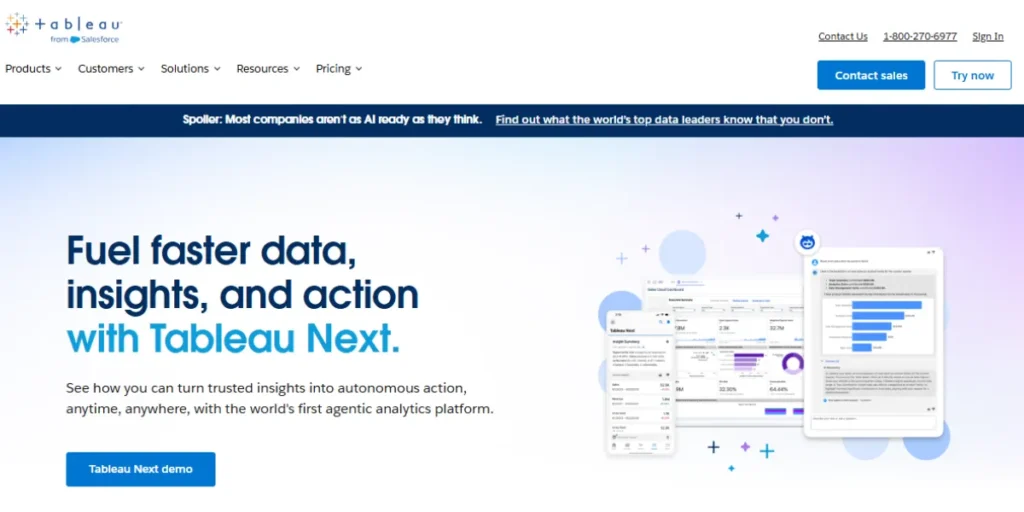
Tableau is the king of visual stories. Whereas Power BI is an excellent tool when it comes to structured reporting, Tableau is an exploration tool. It works with data as if it was an art form and you can drag and drop objects and watch patterns you did not even know were possible. Its combination with Salesforce in the year 2026 has made it even smarter and proposes the most apt types of charts without you even asking them. It is very interactive with a certain degree of visual polish which PowerBI cannot afford. Tableau is the tool that should be used to showcase information to the executives or stakeholders who have to be impressed.
Key Features:
- VizQL technology
- Einstein AI
- Enormous community (Tableau Public)
- Deep mapping.
Pros:
- Beautiful graphics
- Can easily work with massive data
- It is also compatible with Mac.
Cons:
- Requires high cost when used in small teams
- The steepness of the learning curve in the advanced features.
Pricing: Begins at approximately the $75/user/month (pay in the form of annual agreement).
Best for: Large businesses and data experts focused on the high quality of visualizations.
Website: tableau.com
2. Zoho Analytics
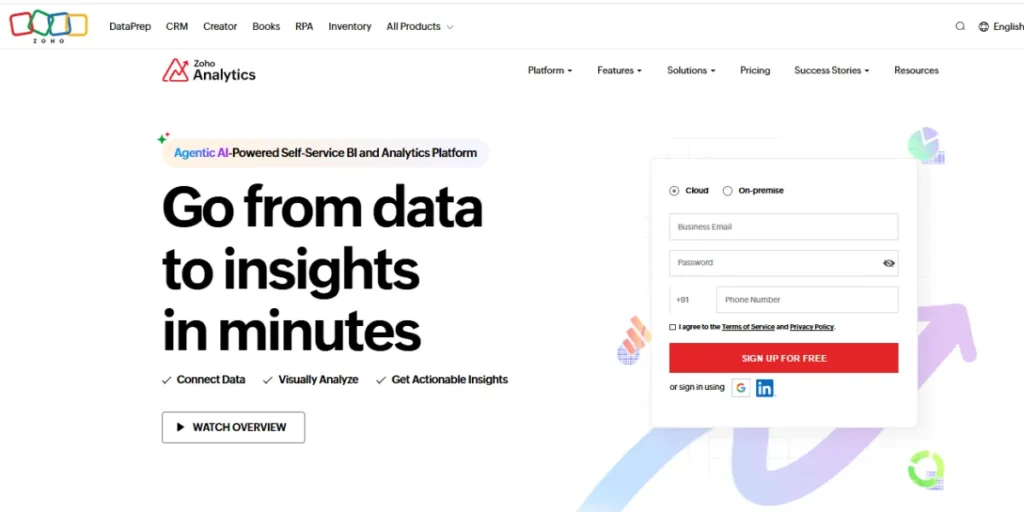
Zoho Analytics is the black swan of one of the best power BI alternatives in the world. It is so user friendly and has a drag and drop user experience which is more akin to a modern site than the tricky database tool. Its 2026 defining product is the AI assistant, Zia. It will actual surprise you when you simply type in: Show me a bar chart of sales by region and Zia creates it right before your eyes. It also can be effortlessly combined with more than 500 other apps (such as Google Sheets, Salesforce, and QuickBooks), which makes it the ideal hub of small and mid-sized enterprises.
Key Features:
- Automated data syncing
- Zia AI Assistant
- A built-in reporting
- Data preparation tool
- Has a White-Label feature.
Pros:
- It is very cheap
- very user friendly
- compatible with any operating system.
Cons:
- Not fast enough compared to Tableau when complex statistical models are required.
Pricing: Free version will be provided; paid plans are available beginning with a cost of around $25 monthly.
Best for: Users of small and medium businesses and teams that prefer to be up and running fast.
Website: zoho.com/analytics
3. Google Data Studio (i.e., formerly Looker Studio)
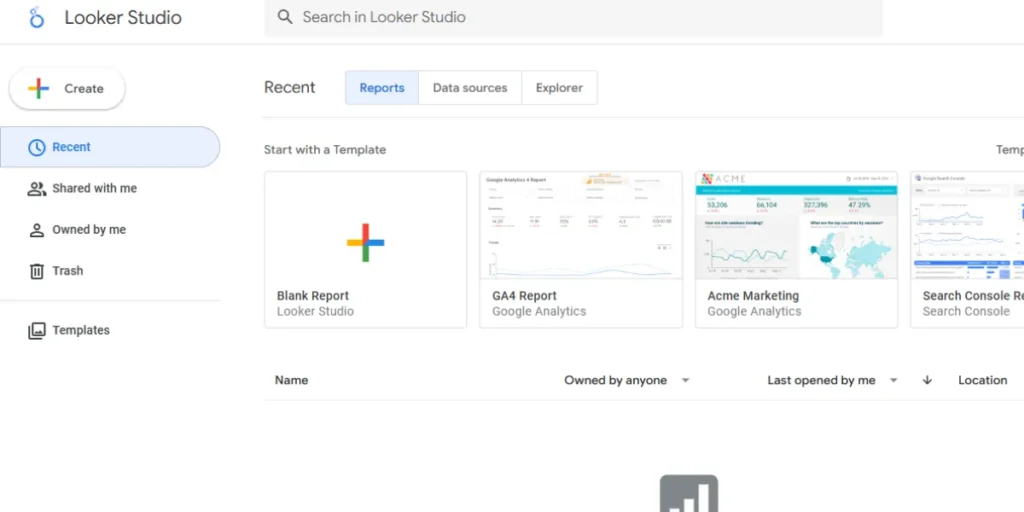
Looker Studio, among Power BI alternatives, is the place that anyone using Google products should prefer. It is cloud-based 100 percent and can be operated in your web browser, thus can be operated in any computer. The 2026 variant is stronger and serves as the approachable interface to the big query data warehouse of Google. It is the fastest method to convert a Google Sheet or a Google Ads account into a professional report within five minutes or so. It can be used free of charge by most basic users.
Key Features:
- First-order integration with Google Workspace
- Simple sharing (as in a Google Doc)
- A huge library of community templates.
Pros:
- Free, does not require installation and extremely collaborative.
Cons:
- insufficient data-cleaning software
- Sometimes slow with large non-Google data sets.
Pricing: free (Looker Studio); Looker Studio Pro begins with an estimated cost of $9 per user per month.
Best for: Marketers, freelancers, and businesses that are highly dependent on Google Cloud.
Website: lookerstudio.google.com
4. Metabase
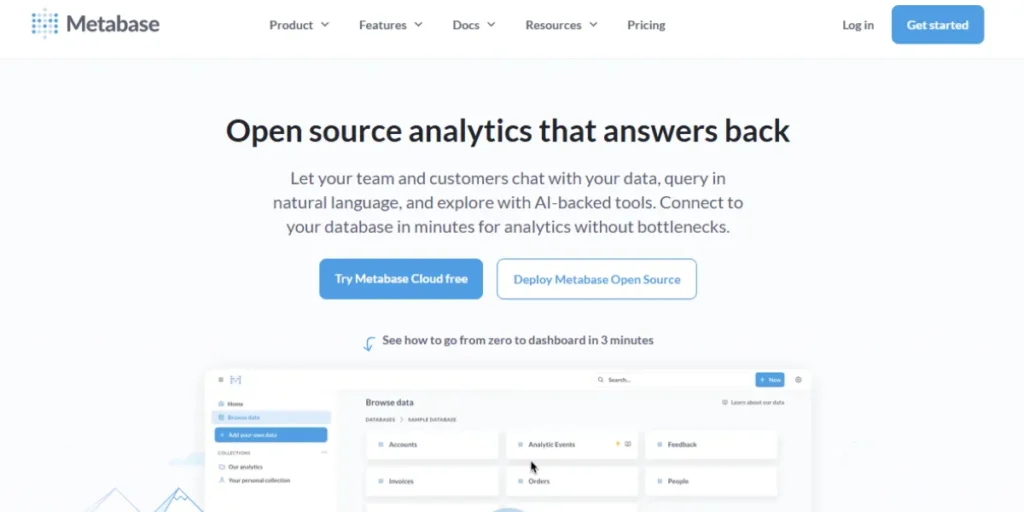
Metabase is the favorite of startups and tech-driven teams of power BI alternatives and alos provide ai product design tools. It is known because of its well known interface, which is called Ask a Question, enabling all people to pose any query to the database, without typing any SQL. It is the top choice in 2026 to those companies that appreciate open source and data security. You may run it on your servers or run the cloud version. It is clean, quick and does not interfere with the screen with numerous buttons that are not used.
Key Features:
- Visual query builder
- X-ray automated insights
- Slack/MS Teams.
Pros:
- Open-source version is free
- The interface is beautiful
- The installation is quick.
Cons:
- The advanced visual features that Tableau provides are laggards.
Pricing: Free (self-hosted) 10 users Pricing: Cloud plans begin at approximately $85 per month.
Best For: The startup and product teams do not require securing data.
Website: metabase.com
5. Sisense
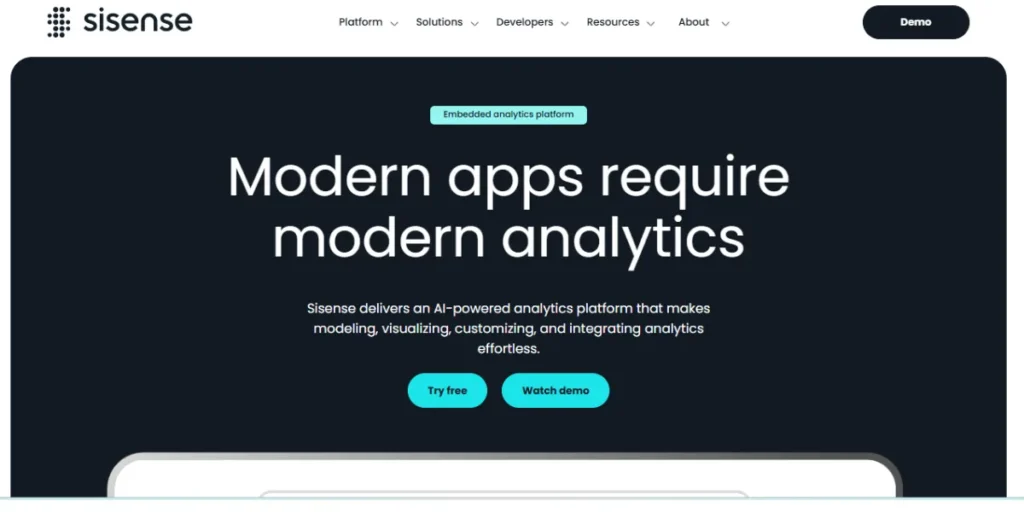
The business-intelligence world engine is Sisense among the best Power BI alternatives. It is designed to process complex data, data that is messy, is multi-located and in various forms. Uniqueness of Sisense is that it allows embedding your dashboards in your own site or product. Sisense is frequently the best selection in the event you create an application and desire to display clients with charts demonstrating how they utilize their data. It applies an in-memory technology which results in queries being fast even when using billions of rows.
Key Features:
- In-Chip data processing
- trend detection with the help of AI
- Embedded analytics.
Pros:
- It is excellent to embed
- Can deal with complex data architecture
- it is very scalable.
Cons:
- It is not transparent in terms of its pricing (it is typically very expensive)
- Requires a higher technical skill to install.
Pricing: Custom business pricing (usually $10,000 and above per year).
Best for: SaaS businesses and massive projects in data-engineering.
Website: sisense.com
6. Qlik Sense
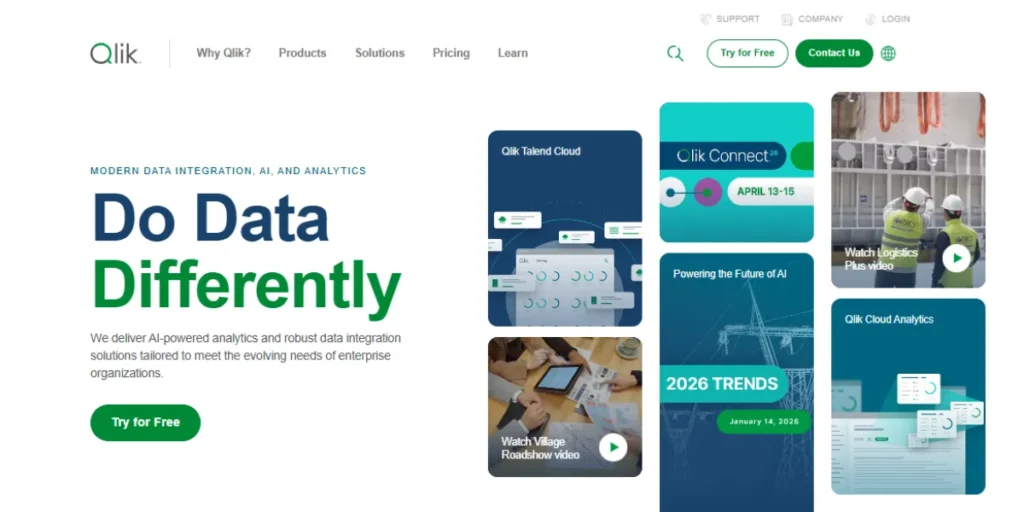
Qlik Sense has a technology that is cool, the Associative Engine. Most Power BI alternative tools have the property that when you add a filter of Product A, the tool suppresses Product B. In Qlik, it reveals to you what is connected and what is not, the user can discover previously unknown facts such as what customers did not purchase a specific product. Qlik has also made a bet in 2026 on more Active Intelligence, which will notify your phone when your data has reached a threshold.
Key Features:
- Natural language processing
- Real-time data integration
- Associative data engine.
Pros:
- Excellent at finding data
- A powerful mobile application
- High security of data.
Cons:
- The logic is not like Excel hence there is a learning curve.
Pricing: Begins at approximately 30 dollars per user on a monthly basis.
Best for: Huge and non-linear requirements of large organizations.
Website: qlik.com
7. Apache Superset
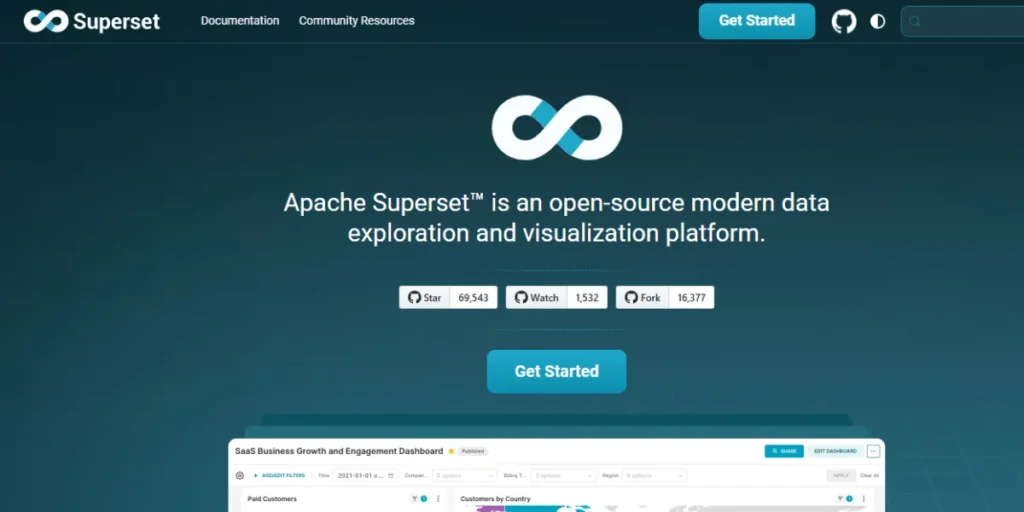
In case you have several data engineers and do not want to pay per-user, Apache Superset will solve this issue. It is an open-source, powerful and cloud-native platform which began at Airbnb and is one of the best power BI alternatives. It is designed to support the size of the biggest companies in the world. It is open source hence it can be customized fully. In case you wish a dashboard to display just as you visualize it and you are capable of creating it, Superset cannot beat that.
Key Features:
- Supports virtually any SQL database
- Lean and high-performance
- Very customizable interface.
Pros:
- 100% free
- No per-user licensing charge and ideal with big data.
Cons
- Not very simple to install and maintain without having technical knowledge
- no official support.
Pricing: Free.
Best for: Tech-intensive organisations and cost-effective data-engineering.
Website: superset.apache.org
8. Sigma Computing
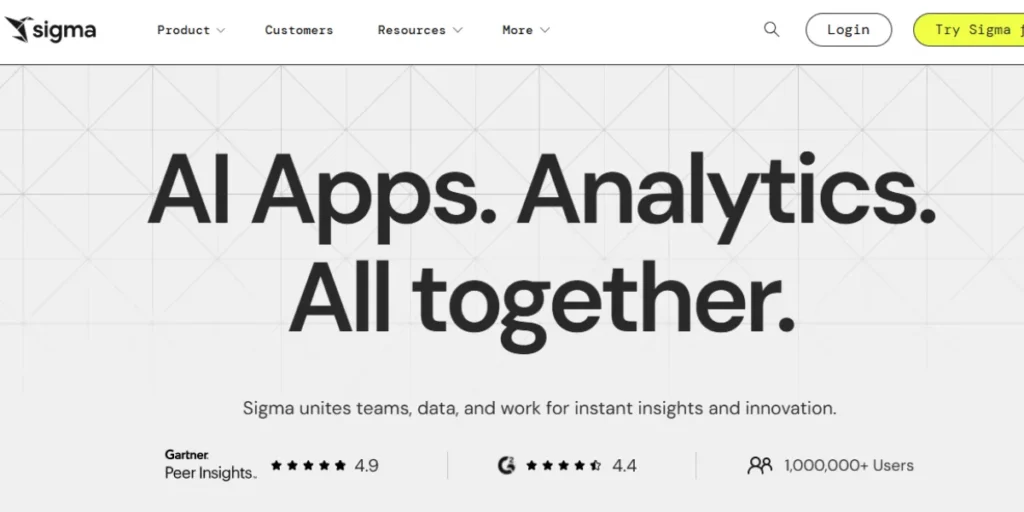
Sigma is a cloud spreadsheet which is similar to Excel. Most individuals believe that Power BI is difficult due to the fact that they like spreadsheets. Sigma resembles and is used as Easy as Excel to read data in your cloud data warehouse (e.g., Snowflake or BigQuery). It can take billions of rows in a second and can use pivot tables and formulas very much like in Excel. It is terrific among finance groups that are not fond of Excel crashing and want not to master complex BI software.
Key Features:
- Appearances and functionality of a spreadsheet
- Integrates with cloud warehouses
- No-code data modeling.
Pros:
- Excel-friendly, extremely fast
- Can collaborate with a large number of people.
Cons:
- Requires a cloud data warehouse in order to work.
Pricing: Often mid-to-high price.
Best for: Finance and operations teams who adore spreadsheets but require the ability to deal with big data.
Website: sigmacomputing.com
9. Domo
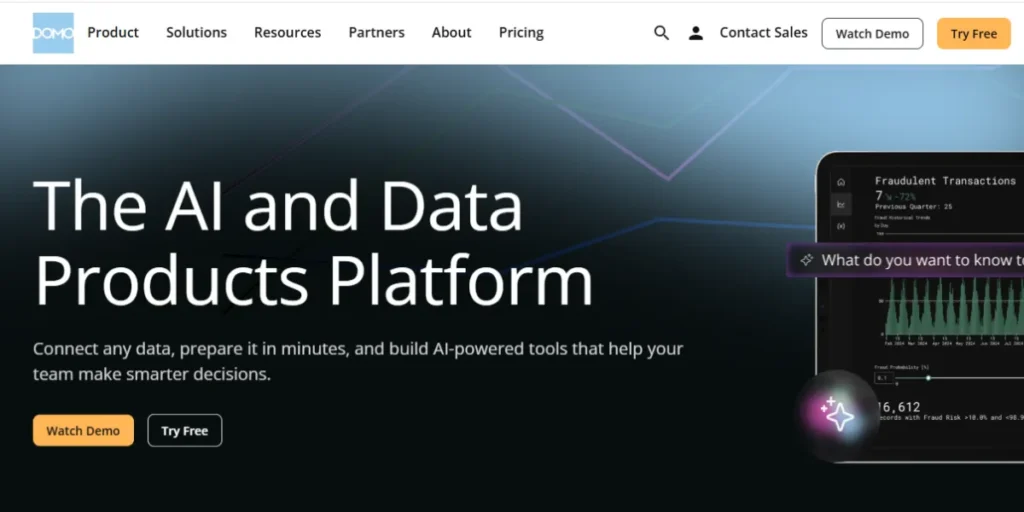
Domo can be described as an all in one platform that will take care of gathering the data to present the data and enabling people to discuss the data. Most of the tools need additional software to purge your data, yet Domo does it within the platform. It is created to show the entire business on phone of CEOs and executives. It will then be possible to develop your own bespoke internal applications via Domo in 2026 on its App Dev platform based on your data, not merely on falling dashboards, positioning it strongly among Power BI alternatives for modern data-driven teams.
Key Features:
- 1000+ built in data connectors
- Built in ETL (data cleaning)
- Mobile first design.
Pros:
- Fast and simple to install
- Easy to use by executives, social collaboration tools.
Cons:
- May turn out to be costly as you increase the amount of data and users.
Pricing: Free, custom paid plans depending on usage.
Best for: Quick-growing businesses that do not require IT infrastructure.
Website: domo.com
10. ThoughtSpot

ThoughtSpot is easy to use, with a search bar, similar to Google. In 2026, it transformed the way human beings view information. You need not create complex reports but simply press a query on the computer e.g. the revenue in California last quarter and the software will display a chart instantly. It supports the modern data stack and makes a direct connection to cloud warehouses without transferring and duplicating data. This is very quick and is applicable when a company wants all its employees to find their answers without necessarily considering a data analyst.
Key Features:
- search-based interface
- artificial intelligence agent named Spotter
- The capability to query cloud warehouses in real-time
- Automatic insights known as SpotIQ.
Pros:
- Easy to use by non-technical users
- Does not require pre-creation of dashboards
- Incredibly fast.
Cons:
- It works well only with a well-structured cloud data warehouse
- It may have a high cost.
Pricing: begins with prices of about $25 per user per month with small teams; enterprise bespoke prices.
Best for: Teams that require self-service analytics and those that allow everyone to ask questions and answer.
Website: thoughtspot.com
A Guide to Selecting the Appropriate Power BI Alternative.
It may seem overwhelming to select a tool, which is why it can be simplified. These are three questions to ponder on:
- Who is using it? In case of a finance team that is fond of Excel, then use Sigma. In case it is on behalf of a marketing group that requires attractive charts promptly, then use Zoho Analytics or Looker Studio.
- What is your budget? In case you are lying with 0, begin with Metabase or Looker Studio. Tableau is the winner if you are a large company with a reasonable budget and require the best visuals.
- What is your computer setup? When you are using Macs in your office, remove Power BI from your list instantly. The rest of the tools on this list will operate in a web browser.
Final Thoughts
The best tool is not the one that has the most significant number of features; in 2026, it is the tool that your team finds enjoyable to use. The information is not useful until individuals consult it and take action. Power BI alternatives are gaining attention for offering diverse approaches to data visualization and decision-making. Power BI is a great tool, yet not the only one. It can be Tableau with its artistic richness, Zoho with its AI simplicity, or Sigma with its familiarity with spreadsheets. Still, the same is needed: better decision-making in a shorter time.
FAQs
Can I use Power BI on a Mac in 2026?
No. Microsoft has not provided a native desktop release for Mac. Reports can be viewed using the web-based Power BI Service, but to create reports, you require a Windows environment or some other alternative, such as Tableau.
What will be the simplest option for a complete novice?
The easiest are Looker Studio and Zoho Analytics. They are designed in such a way that they do not require any data-science expertise and have drag-and-drop interfaces.
Does it have an entirely free alternative to Power?
Yes. Apache Superset and Metabase (open version) are entirely free when self-hosted. Most of the standard Google-based reporting is also free in Looker Studio.
Does it support Python or R with advanced math?
Most of them can! The 2026 updates with Tableau, Sisense, Qlik, and Zoho Analytics all allow you to execute Python scripts in the data processes directly.