

Simulation technology has ceased to be a technology in a niche within the engineering sector to being a strategic resource within virtually all major industries. It does not have to crash cars or pilot training any more. simulation tools are now the so-called “digital brains” optimizing a manufacturing line, streamlining an emergency department at a hospital, and helping to sustain a sustainable supply chain. The fact that the process or product can be tested, refined, and perfected digitally in a virtual time without any real money being spent is indeed a game changer in a time of efficiency and digital transformation. The market is projected to rise drastically in the global simulation software market, yet is projected to go up to 87.18 billion by 2034.
The fusion of Artificial Intelligence and Digital Twins, the virtual counterparts of the actual systems, which are self updating in real time, drives this exponential growth. The tools help a business to execute complicated scenarios that could not be modeled previously and offer predictive data that result in smarter choices. The financial effect is enormous, for e.g. manufacturers with high level simulation can reduce wastage by as much as 90 percent. Being an engineer, a business analyst or a healthcare administrator, the next requirement is to select the appropriate digital sandbox in order to remain competitive in the modern market.
How to Choose the Right Simulation Tool
The selection of the simulation software is a tactical move. It is subject to what you wish to model, be it a physical object, a flowing bit of fluor or a business process.
1. Simulation Type: Physics vs Process
Physics based modeling will be required to simulate physical behavior in the real world, like, will a bridge break or how air moves over a car. Software such as ANSYS, COMSOL and simscale is best in this aspect by solving complicated equations. Process based models represent a movement of people or items within a system (e.g. number of staff or bottlenecks in a factory). In this regard, Simul8, Arena and FlexSim are the top performers and follow the entities across time.
2. Cloud vs Desktop Power
Heavy engineering simulations, such as intense crash test simulators, which demand a high performance local computer system with GPUs, traditionally require desktop workstations. ANSYS and SolidWorks tools tend to be run on this. Cloud native solutions transfer the load to the cloud. A good example is SimScale, which is 100 percent web based, meaning that you can use a minimally expensive laptop to run complex simulations by renting remote supercomputer resources. It is the perfect arrangement when one is working on a project as a freelancer or with a small team.
3. The AI and Digital Twin Factor
Simulation in the modern world is dynamic. Find the support tools that work with Digital Twins models that are related to live data sensors on actual machines. AnyLogic and Simio are the best in this field as your model will update up to the moment the factory varies. The integration of AI also prevents several hours of trial and error by assisting in the prediction of the best design.
List of 12 Best Simulation Tools
1. AnyLogic
Website: https://www.anylogic.com/
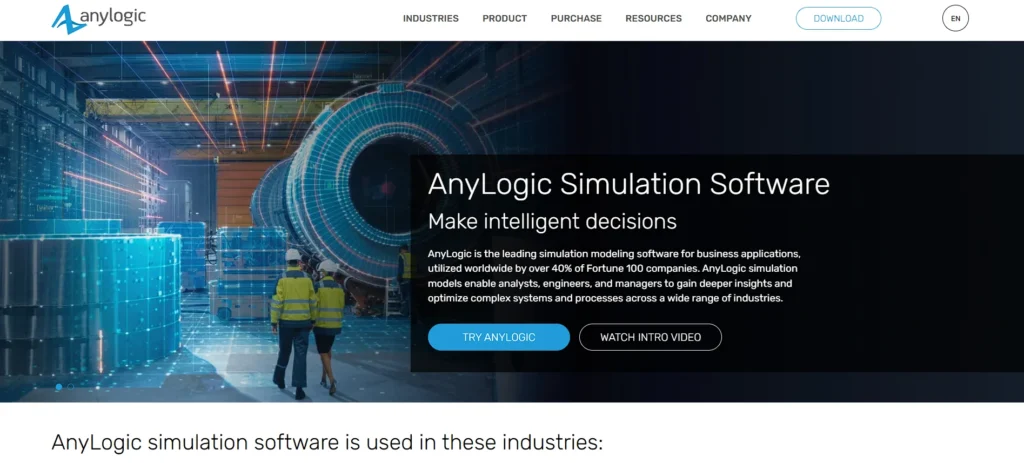
AnyLogic is the unique tool that includes three major simulation techniques, namely Discrete Event, Agent Based, and System Dynamics. The reason why it is known as a “Swiss Army Knife” of simulation is because it is versatile. It simulates complicated situations, be it a viral outbreak in a city, or logistics of a whole supply chain.
It now accepts AI where users can train Reinforcement Learning models in simulated models enabling AI agents to learn to optimize systems on their own. Moreover, AnyLogic simulates models in 3D rich and has the option to export them to the cloud where stakeholders can observe such models with any device. This is why it is a good option among consultants and big organizations which will need to showcase complex data in a simple manner without specially equipped hardware.
Best For:
- Supply chain & healthcare & complex market analysis
Key Features:
- Multi method modeling
- GIS maps
- Cloud execution
Pros:
- Unmatched flexibility to model any scenario
- Excellent Java based customization
Cons:
- Steep learning curve due to its complexity
- High price point for corporate licenses
Price:
- Quote based
2. Simul8
Website: https://www.simul8.com/
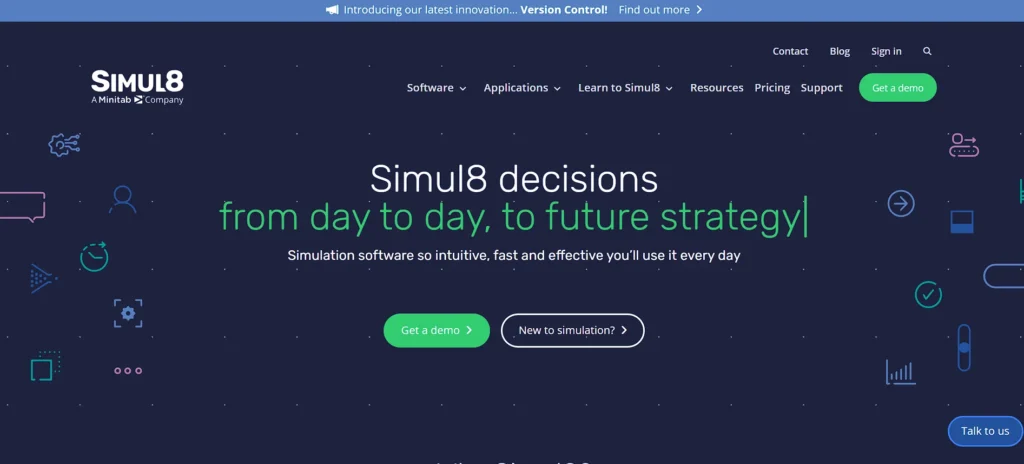
Simul8 is one of the most widely used simulation tools that business analysts and non-programmers can rely on to understand how to effectively bind all processes that were broken easily and quickly. It offers a user-friendly drag-and-drop visual aid that allows users to draw the shape of workflows—such as the allegory of a patient experience in an emergency room or a car production line—within several minutes.
Simul8 is highly responsive to answering critical questions such as “what if we put two more nurses in, or step up machine speed by 10 percent?” The web-based platform is designed to facilitate real-time teamwork, enabling remotely located teams to co-build and modify simulations during video meetings. It is used by healthcare and manufacturing companies to identify where data slips under the carpet and to produce data that proves the ROI value of new equipment or hiring.
Best For:
Business process optimization & healthcare patient flow & manufacturing lines
Key Features:
- Drag and drop interface
- Visual logic coding
- Fast scenario testing
Pros:
- Extremely easy to learn
- Rapid results
- Excellent ROI tracking features
Cons:
- Not suitable for complex physics
- Not fit for engineering stress testing
Price:
- Starts $6,049/user/year
Suggest Read:-
3. MATLAB Simulink
Website: https://www.mathworks.com/products/simulink.html
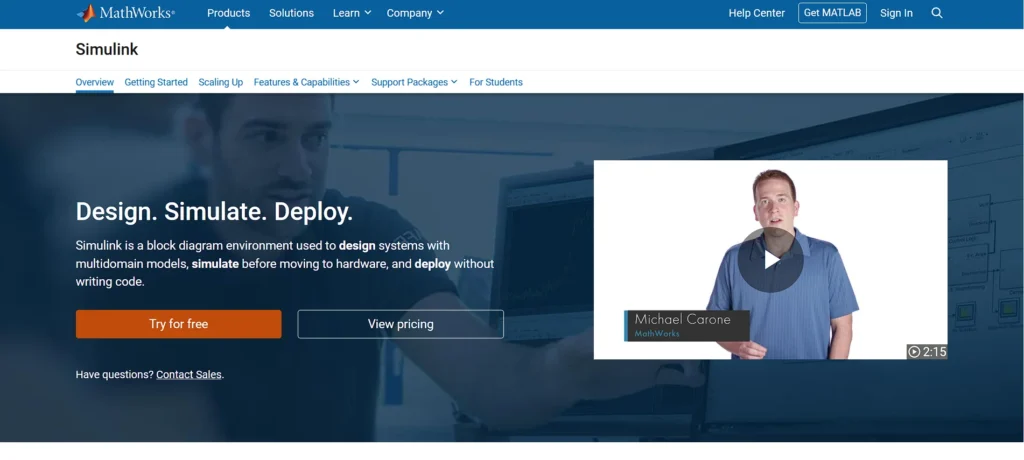
In the case of electrical and mechanical engineers, the unquestioned industry standard of Model Based Design is the Simulink by MathWorks. It supports a graphical block diagram environment to design dynamic systems, autonomous vehicle controls, drone flight paths, and 5G signal processing, e.g. Simulink annually the same way as MATLAB, allowing users to integrate large amounts of data and complicated algorithms into simulations.
The Hardware in the Loop feature allows modern engineering processes to be useful as engineers are able to test the code in a virtual chip and then just print a physical board. This saves millions of prototype blunders and accelerates development in automotive, aerospace and robotic companies that are at the edge of technological advancement.
Best For:
- Control systems & automotive electronics & aerospace
Key Features:
- Graphical block diagramming
- Automatic code generation
- HIL testing
Pros:
- Deep integration with MATLAB
- Industry standard for automotive/aerospace
- Vast library of pre built blocks
Cons:
- Requires knowledge of system dynamics
- Expensive for commercial use
Price:
- Starts $1,399/user/year
4. ANSYS
Website: https://www.ansys.com/
The companies such as SpaceX or Ferrari seek ANSYS simulation tools when they need to understand whether a part can pass under extreme conditions or not. It is the worldwide pioneer in high engineering simulation used in fluid dynamics, structural mechanics, and electromagnetism. The most recent release has taken up AI to make solver times much faster, it takes several seconds to predict results, whereas days on supercomputers could be spent doing it.
ANSYS can also be used in the digital twin technology where a virtual jet engine or wind turbine is operated with the real engine or turbine and predicts its maintenance needs before its failure. It has a steep learning curve, though, its capability to model multiphysics environments, that is, its capability to model how heat interactions with fluid flow and structural integrity affect each other, is unparalleled in the industry.
Best For:
Aerospace & Automotive crash testing & Electronics cooling
Key Features:
- Multiphysics coupling
- Digital Twin builder
- AI accelerated solving
Pros:
- The gold standard for accuracy
- Solves the most complex physical problems imaginable
Cons:
- Very expensive
- Requires high end hardware unless using cloud
- Steep learning curve
Price:
- Quote based
5. FlexSim
Website: https://www.flexsim.com/
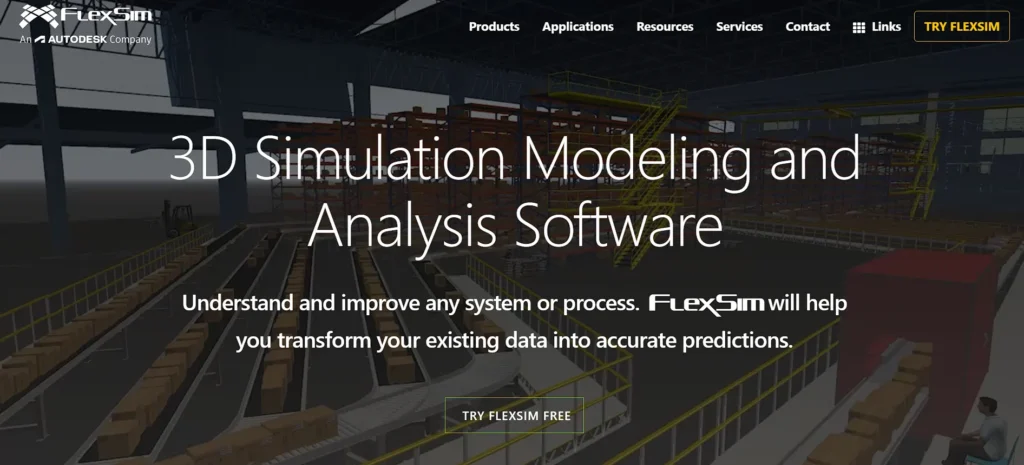
FlexSim makes simulations real through visual communication. It focuses on 3D manufacturing and logistics simulation, allowing building a virtual factory that feels and resembles the real one. It is possible to import 3D CAD models of machines, to place them on a floor plan and see virtual workers and forklifts becoming electric using it in order to accomplish the work.
This is a strong selling factor visually to the upper management, it is a lot easier to ratify a multi million dollar redesign when you perceive in a virtual reality stroll the enhanced circulation. The FlexSim is being popularly employed to streamline the layouts of warehouses, airport check in lines and hospital foyers, closing the divide between the results of the data analysis and the visual representation.
Best For:
- Warehouse layout & Factory floor planning & Material handling optimization
Key Features:
- Native 3D modeling
- VR integration
- Direct Excel import
Pros:
- Stunning visuals for presentations
- Very detailed logic for material handling
Cons:
- Can be resource heavy on older computers
- Requires some scripting for complex logic
Price:
- Quote based
6. SimScale
Website: https://www.simscale.com/
In the case of SimScale, engineering simulation has been democratized in the sense that the whole process has been relocated to the web browser, making it one of the most accessible simulation tools available today. Conventionally, to run a CFD analysis, a powerful workstation with a high price of $10,000 could be used with heavy cooling, though with SimScale, it can be done on a Chromebook by transferring calculations to remote cloud services.
This is why it is popular with freelancers, students, and small engineering companies who could not afford high-end tools before. It serves multiphysics calculations involving complex systems (e.g. wind on buildings or thermal control of circuits) and provides the ability to collaborate in real time (as of April 2012) as part of Google Docs–style workflows. Projects can be exchanged among teams in real time using a link, and files are not transferred and hardware is not limited.
Best For:
- HVAC design & Wind engineering & Electronics cooling
Key Features:
- 100% browser based
- Parallel cloud computing
- Community library
Pros:
- No expensive hardware needed
- Accessible from anywhere
- Free community tier
Cons:
- Dependent on internet connection
- Recurring subscription cost can add up
Price:
- Freemium with paid plans being quote based
7. COMSOL Multiphysics
Website: https://www.comsol.com/
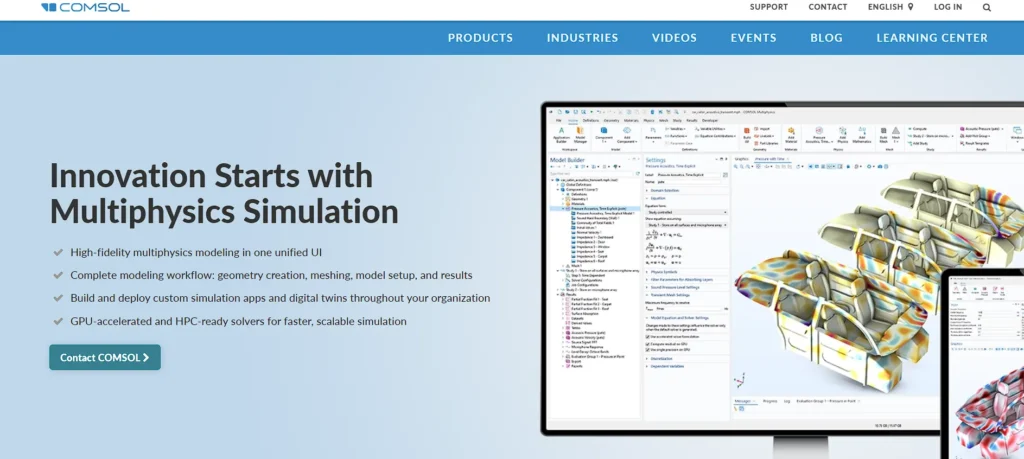
COMSOL can make simulation of the interaction of various physical phenomena unique, unlike other programs that are more general. To just give an instance, when creating a smartphone, you are able to simulate at the same time the heating effect of the battery, its impact on the glass of the screen and the propagation of the antenna signal. The coupled environment of COMSOL allows all of these to be solved simultaneously.
Its ability to turn complex models into simple applications that can be used by colleagues or the sales teams without having to understand the math is its App Builder standout, that is, experts can make the complex easy and easy to use by any means. COMSOL thus becomes the most suitable when doing academic research and when the R and D departments are at the edge of the material engineering and science.
Best For:
- Academic research & R&D departments & Complex coupled physics problems
Key Features:
- Equation based modeling
- Application Builder
- Add on modules
Pros:
- Incredible depth for scientific problems
- Highly customizable
Cons:
- Interface can be overwhelming
- Solving multiphysics problems is computationally expensive
Price:
- Quote based
8. Arena Simulation
Website: https://www.rockwellautomation.com/en-us/products/software/arena-simulation.html
Arena is one of the widely used simulation tools, developed by an industrial engineering company owned by Rockwell Automation, and has been in the business for several decades. It applies a 2D flow diagram technique in the modeling process involving discrete events. It may not possess the flashy 3D graphics of FlexSim, but it has a mathematical engine that is highly dependable when making critical decisions for Fortune 500 companies.
Arena excels at modeling supply chains as well as analyzing business processes such as call center staffing or insurance claims processing. If you studied simulation as part of an industrial engineering degree, you likely used Arena. By connecting and extending to the broader Rockwell system, it can exchange large volumes of data between the simulation model and real factory automation systems, earning it a strong reputation as a reliable workhorse among industry professionals.
Best For:
- Manufacturing supply chains & Detailed process analysis
Key Features:
- Flowchart modeling
- Statistical analysis tools
- Rockwell integration
Pros:
- Proven reliability
- Excellent for detailed statistical analysis
- Huge user community
Cons:
- Visuals feel dated compared to modern tools
- 2D focus limits spatial analysis
Price:
- Quote based
9. SolidWorks Simulation
Website: https://www.solidworks.com/domain/simulation
SolidWorks Simulation is the logical choice of mechanical designers who are already using SolidWorks 3 variant of CAD. It is installed within the CAD interface therefore you do not need to save your design to a different program. You can even make a bracket and a single button will be applied to provide a load and instantly see where it is likely to break or deform.
Although it is not as high end as ANSYS, it is ideal in concurrent engineering, which denotes the design checking at intervals as you proceed with the project as opposed to waiting for the project to end. More recent developments, such as the recent improvements to the topology optimization, now the software offers information on where the material should be removed to reduce weight without a decrease in the strength of the product, which is invaluable during product development.
Best For:
- Product designers & Mechanical engineers & Rapid prototyping
Key Features:
- CAD integrated FEA
- Fatigue analysis
- Topology optimization
Pros:
- Seamless workflow for SolidWorks users
- Easy to learn for designers
- Instant feedback
Cons:
- Limited advanced physics capabilities
- Requires a SolidWorks license
Price:
- Quote based
10. OpenFOAM
Website: https://www.openfoam.com/
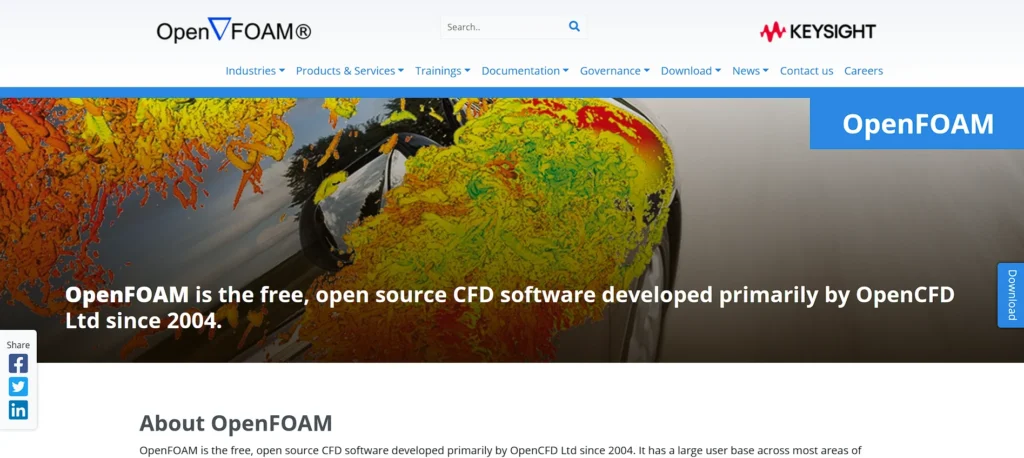
The most used free and open source computational fluid dynamics simulation tools software is OpenFOAM. It has become popular in the scholarship community and with research groups that require a complete science of their simulation code and cannot afford to pay a lot of money. The OpenFOAM software develops complex fluid flow, chemical reaction, and heat transfer simulations that compete with expensive commercial software.
It is not that lightweight, though, as it has no default graphical user interface and is operated mostly via command inputs, but commercial or third-party GUIs are available. This renders it tremendously potent and extendable, though it requires a user who is familiar with code writing as well as Linux systems to acquire the full capacity of this software.
Best For:
- Academic research & Budget constrained startups & Custom physics coding
Key Features:
- Complete source code access
- Advanced solvers
- Parallel computing support
Pros:
- Completely free
- Unlimited scalability without license fees
- Highly customizable
Cons:
- Very steep learning curve
- No official support
- Requires command line knowledge
Price:
- Free
11. Autodesk Fusion
Website: https://www.autodesk.com/products/fusion-360/overview
Previously, Autodesk Fusion 360 was re-structured and re-branded as an all in one. It integrates the CAD to design, CAM to produce and CAE to simulate through engineering in a unified cloud based system. It has a new generative design aspect: when you need a 200lbs carrying chair that weighs 5lbs (when you also need something that carries 200 lbs), the AI generates hundreds of valid designs, many of which appear organic and alien. It includes structural, thermal, and modal simulation, and is an amazing deal to a startup or a product developer that would require three different software packages to make it happen. Its cloud native platform also facilitates the easy exchange of design with manufacturers.
Best For:
- Startups & Product design & Generative design
Key Features:
- Generative Design AI
- Cloud rendering
- Electronic cooling
Pros:
- Affordable subscription
- All in one workflow
- Modern interface
Cons:
- Simulation capabilities are less deep than specialized tools like ANSYS
Price:
- $680/user/year
12. Simio

Website: https://www.simio.com/
Simio is distinguished among simulation tools by its intelligent object architecture. Contrary to more antique mechanisms where you were supposed to write code to change the position of dots, Simio objects—such as a truck or a patient—are intelligent and capable of making decisions. This makes it outstanding for risk-based planning and scheduling.
It can consume real-time information from a factory floor to forecast current production plans and notify managers about probable delays days in advance. Simio offers advanced digital twin features, enabling seamless interaction between virtual and physical operations. This predictive capability helps plant managers resolve issues before they occur, minimizing downtime and ensuring timely delivery of critical processes.
Best For:
- Production scheduling & Logistics planning & Digital Twins
Key Features:
- Intelligent objects
- Risk based scheduling
- 3D visualization
Pros:
- Rapid modeling without code
- Excellent for operational scheduling
- Strong 3D graphics
Cons:
- Can be expensive
- Niche focus on discrete event simulation
Price:
- Quote based
Key Trends Shaping Simulation
- Democratization over Cloud: Simulation at the high end is no longer attached to costly hardware. Such tools as SimScale and Fusion demonstrate that only a web browser could be sufficient to design a jet engine.
- AI and Generative Design: Software now generates designs as opposed to testing them. The algorithms in the AI of software such as Autodesk Fusion attempt thousands of iterations before they present suitable answers to a problem that a person alone could not come up with.
- The Rise of Digital Twins: A simulation is not limited to a product once it gets made. It persists, existing as a digital twin, constantly updated by feedback caused by sensors. This twin projects the maintenance requirements and the efficiency of the real time movement, so the need to utilize AnyLogic and ANSYS in the operations becomes a reality.
- Immersive Visualization: It is fine to see a 3D model on a 2D screen, however, it is better to walk through a VR. The tools, such as FlexSim, combine extended reality where interested parties can test a factory layout before the construction commences.
Comparison Table: Best Simulation Software Tools
| Tool Name | Best For | Platform | Price (Approx) | AI Integration | Cloud Capabilities | Free Trial |
| AnyLogic | Multi method modeling | Win/Mac/Linux | Quote based | High | Yes | Yes |
| Simul8 | Process optimization | Web/Win | Starts $6,049/user/month | Moderate | Yes | Yes |
| MATLAB Simulink | Model based design | Win/Mac/Linux | Starts $1,399/user/yr | High | Yes | Yes |
| ANSYS | High fidelity Physics | Win/Linux | Quote based | High | Yes | Yes |
| FlexSim | 3D Plant layouts | Win | Quote based | Moderate | Hybrid | Yes |
| SimScale | Cloud native CFD/FEA | Web based | Freemium & quote based | Moderate | Native Cloud | Yes |
| COMSOL | Multiphysics | Win/Mac/Linux | Quote based | Moderate | Yes | Yes |
| Arena | Discrete Event Sim | Win | Quote based | Low | No | Yes |
| SolidWorks | Mechanical Stress | Win | Quote based | Moderate | Yes | Yes |
| OpenFOAM | Fluid Dynamics | Linux/Win/Mac | Free | Low | Yes | Always Free |
| Autodesk Fusion | CAD/CAM/CAE Unified | Win/Mac | $680/user/yr | High | Yes | Yes |
| Simio | Intelligent Object modeling | Win | Quote based | High | Yes | Yes |
Conclusion
The final tool of risk management is simulation tools and simulation software. It allows businesses to fail cheaply and quickly in a virtual world to achieve success in the real world. Among engineers who must strive to understand the underlying physics and require unquestioned accuracy, heavy software such as ANSYS and COMSOL are the winners. They address complicated multiphysics issues, which ensures safety and reliability. AnyLogic or Simul8 can be used to maximize supply chains and determine ROI by using powerful process simulations by business analysts and logistics managers. These tools are the accurate logic that can be used to make operations in complex systems streamlined and to get rid of bottlenecks.
Simulation easily enters into the design stage of product designers. Simulation and testing Software like SolidWorks Simulation and Autodesk Fusion allow the rapid process of these activities without having to step outside CAD.
Cloud based services such as SimScale and the free and open cloud power of OpenFOAM are friendly to the young startups and low cost teams. These demonstrate that not only is world class engineering ability no longer limited by hardware or budget. Finally, the optimal tool is that one that falls in line with your industry and technical prowess. Free trials are the most effective place to begin the free search to get the ideal solution to your digital transformation path.
FAQs
1. What is FEA and CFD simulation and their difference?
Solid objects are worked on through FEA (Finite Element Analysis). It is used to predict the strength of a bridge beam under the load or a car part that is going to crack under the load. CFD (Computational Fluid Dynamics) concerned gases and fluids. It forecasts the movements of wind passing around a wing or water passing in a pipe.
2. Do simulation softwares work on Mac?
Yes. MATLAB, AnyLogic and openfoam are all natively built on macOS. Autodesk Fusion is also functional. Yet, the titans of the industry such as SolidWorks and ANSYS do not support other operating systems other than Windows and thus you are required to use Parallels or Boot camp, which can impact performance. Cloud computing based tools like SimScale are browser form and can operate on any browser, thus can also be used in Mac.
3. Can I work professionally using free simulation software?
It depends, OpenFOAM is professional, and employed in the best research laboratories, but is a steep learning curve. There are also free editions of commercial applications, including AnyLogic PLE, which are perfect to learn, although they tend to restrict the size of the models, and thus cannot be scaled to complicated commercial activities.
4. What is a Digital Twin?
A Digital Twin is a computer simulation model that is connected with the real physical object through sensors. Touching on a virtual pump in your screen can show its temperature and vibrations measurements on the screen, which will be updated in the actual pump in your factory, which aids in anticipating failures before they happen.
5. Should I know how to code with simulation software?
Not necessarily, simulation software such as Simul8 and FlexSim are based on drag and drop interfaces which are for zero coded experience. Premier programs like MATLAB or OpenFOAM must, however, have access to scripting expertise in C++ or Python to be utilized to their maximum capability.
6. What is the reason that cloud simulation is gaining popularity?
The high computing power is demanded by simulations. Cloud simulation enables you to rent a supercomputer to execute a complicated task over a few hours rather than purchasing a workstation which costs 10.000 dollars and is only used a few hours a month. This method is less expensive, quicker and allows easier cooperation.
7. What may be considered the most user friendly simulation tool?
Process simulation tools like the Simul8 or AnyLogic Personal Learning will be an ideal beginning in process simulation due to its visual nature. Autodesk Fusion is quite user friendly and it has great engineering and design tutorials. Shutterstock.